How Much Does It Cost to Build Your Own Computer? 2026 Breakdown
Discover exactly how much it costs to build your own computer in 2026. Detailed component pricing, tier breakdowns, and hidden assembly costs revealed.
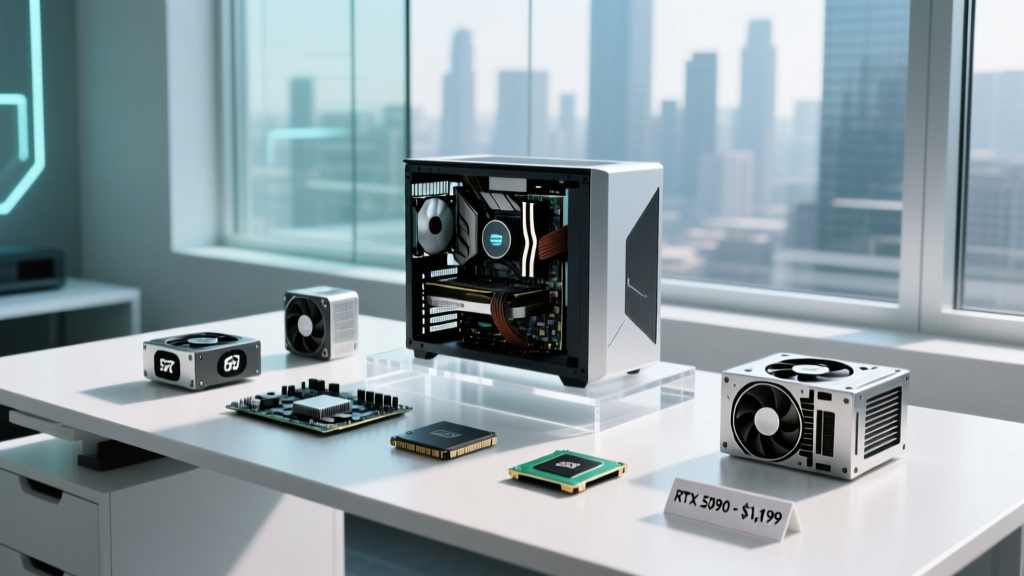
At BuildMatInsight, we typically estimate the cost of pouring concrete foundations or framing barndominiums. However, the core principles of construction cost estimating—Bill of Materials (BOM) management, structural tolerances, and soft cost allocation—apply perfectly to micro-construction: building a custom PC. Understanding how much it costs to build your own computer requires moving beyond generic online calculators and examining the exact component pricing, tier-specific hardware requirements, and hidden assembly costs that define the 2026 market.
The 2026 Component Cost Matrix
Before selecting parts, you must define the structural load your system will handle. A 1080p productivity machine requires vastly different thermal and power delivery infrastructure than a 4K rendering workstation. Below is the baseline BOM pricing matrix for the three primary build tiers in the current market.
| Component Category | Tier 1: Essential (1080p) | Tier 2: Performance (1440p) | Tier 3: Enthusiast (4K/Pro) |
|---|---|---|---|
| CPU (Processor) | $180 - $230 | $350 - $450 | $550 - $700 |
| Motherboard | $110 - $160 | $200 - $280 | $350 - $600 |
| GPU (Graphics) | $250 - $300 | $750 - $850 | $1,600 - $2,000 |
| RAM (Memory) | $90 (32GB DDR5) | $115 (32GB DDR5 CL30) | $220 (64GB DDR5) |
| Storage (NVMe) | $75 (1TB Gen4) | $160 (2TB Gen4) | $300 (4TB Gen5) |
| Power Supply (PSU) | $70 (650W Bronze) | $130 (850W Gold ATX 3.0) | $250 (1200W Titanium) |
| Case & Cooling | $120 (Air/Budget) | $250 (280mm AIO) | $450 (360mm AIO/Premium) |
| Total Hardware Cost | $895 - $1,165 | $1,955 - $2,385 | $3,720 - $4,770 |
Detailed Tier Breakdowns and Part Selection
Tier 1: The $1,000 Essential Workstation
This tier focuses on price-to-performance efficiency without sacrificing modern I/O standards. The foundation relies on the AMD AM5 platform for future upgradeability.
- CPU: AMD Ryzen 5 7600. Includes a stock cooler, eliminating the need for an aftermarket thermal solution.
- Motherboard: Micro-ATX B650M board (e.g., MSI PRO B650M-P). Ensure it features at least one PCIe 4.0 x16 slot and two M.2 slots.
- GPU: NVIDIA RTX 4060 or AMD Radeon RX 7600. Both draw under 150W, meaning a 650W power supply provides ample headroom.
- Storage: 1TB Western Digital Black SN850X. Avoid DRAM-less drives like the Kingston NV2 for OS drives, as they suffer from severe latency spikes during heavy background updates.
Tier 2: The $2,100 1440p Gaming Powerhouse
This is the sweet spot for modern construction, balancing high frame rates with excellent thermal acoustics. According to Tom's Hardware's CPU benchmarks, the X3D cache architecture remains the undisputed king of gaming performance.
- CPU: AMD Ryzen 7 7800X3D. The 96MB L3 cache drastically reduces 1% low frame time stutters in CPU-bound titles.
- RAM: 32GB (2x16GB) DDR5-6000 CL30. The 6000MHz speed aligns perfectly with the Ryzen 7000/9000 series Infinity Fabric sweet spot. Do not buy 6400MHz+ kits for standard AM5 builds, as the memory controller will likely downclock to a 1:2 ratio, increasing latency.
- GPU: NVIDIA RTX 4070 Ti Super (16GB VRAM). The 16GB buffer is mandatory for 1440p texture streaming in modern Unreal Engine 5 titles.
- PSU: 850W ATX 3.0 certified unit (e.g., Corsair RM850e). ATX 3.0 includes the native 12VHPWR cable, eliminating the need for ugly and potentially dangerous adapter dongles.
Tier 3: The $4,200+ 4K Rendering & Enthusiast Rig
Enterprise-grade rendering and 4K high-refresh-rate gaming require massive power delivery and premium cooling infrastructure.
- CPU: Intel Core i9-14900K or AMD Ryzen 9 9950X. Both require robust motherboard VRMs (Voltage Regulator Modules). Look for boards with at least 18+2 power stages rated for 90A or higher.
- Motherboard: X670E Taichi or ASUS ROG Maximus Z790 Hero. These provide PCIe Gen5 lanes for both the GPU and primary NVMe drive.
- GPU: NVIDIA RTX 4090 (24GB). Weighing up to 5 lbs, this card requires a case with an included GPU support bracket to prevent PCIe slot sag and long-term motherboard damage.
When installing high-tier GPUs, the 12VHPWR power cable must be seated completely flush. A gap of even 1mm can cause uneven pin loading, leading to melted connectors. Always route the cable straight out from the GPU for at least 30mm before bending it to the side.
Hidden 'Soft Costs' in PC Assembly
In commercial construction, soft costs (permits, tools, site prep) add 15-20% to the budget. PC building has similar hidden expenses that novice builders frequently overlook when calculating how much it costs to build your own computer.
Tooling and Consumables
- Precision Screwdriver Kit ($30 - $40): A kit like the iFixit Mako includes the exact T6 Torx and PH0/PH1 Phillips bits required for M.2 heatsinks and motherboard standoffs. Using worn-out household screwdrivers will strip the soft zinc screws included with PC cases.
- Thermal Interface Material ($12 - $20): While CPUs include stock paste, enthusiast builds benefit from high-performance compounds like Thermal Grizzly Kryonaut Extreme. A 2-gram tube is sufficient for three to four applications.
- Cable Management ($10): Velcro cable ties and flush-cut zip ties are mandatory for maintaining positive air pressure and unobstructed intake paths.
Operating System Licensing
Hardware is only half the build. A legitimate Windows 11 Home OEM license costs around $140 from authorized retailers. Alternatively, if you are migrating from an older build, Windows 11 licenses are often tied to your Microsoft account and can be transferred via the Activation Troubleshooter, reducing this cost to zero.
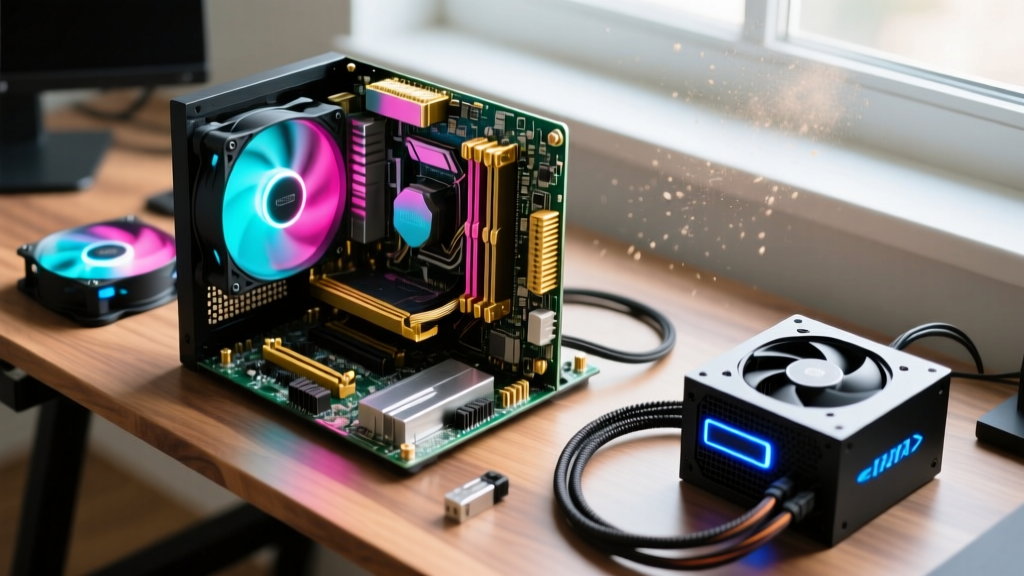
Sourcing Strategy: Navigating the 2026 Market
Where you buy is just as important as what you buy. Utilizing aggregators like the PCPartPicker System Guides allows you to track real-time pricing across multiple vendors simultaneously.
If you live within 50 miles of a Micro Center retail store, their in-store CPU and Motherboard combo deals routinely undercut online retailers by $50 to $100. They also offer open-box cases and power supplies at 20-30% discounts, which is a highly effective way to lower your overall BOM cost without sacrificing warranty coverage.
Component-Specific Sourcing Rules
- Never buy used Power Supplies: The PSU is the structural foundation of your PC. A failing unit can send voltage spikes through the 12V rail, instantly killing your GPU and motherboard. Always buy new from reputable brands listed in the TechPowerUp PSU Database.
- Used GPUs are viable: Post-crypto-mining and AI-boom markets are flooded with used enterprise and gaming cards. When buying a used GPU, request a video of the card running a FurMark stress test to verify thermal junction temperatures remain below 85°C.
- Storage must be new: NAND flash degrades with write cycles. Unlike a CPU which is virtually immortal, an SSD has a finite lifespan. Never install a used OS drive in a new build.
Assembly Tolerances and Pre-Flight Checks
Before securing the motherboard to the case chassis, perform a 'breadboard' test. Place the motherboard on its cardboard shipping box, install the CPU, one stick of RAM, and the GPU. Connect the PSU and short the power pins with a screwdriver to verify the system POSTs (Power-On Self-Test). This prevents the nightmare scenario of installing the entire system into the case, only to discover a dead-on-arrival motherboard or a bent CPU socket pin.
Furthermore, verify RAM clearance before purchasing an Air Cooler. Tower coolers like the Noctua NH-D15 overhang the primary DIMM slots. If your RAM features tall RGB heatsinks (over 44mm), the front fan will need to be mounted higher, potentially exceeding the case's maximum CPU cooler height clearance. Always cross-reference the case manufacturer's spec sheet with the cooler's dimensions.
Building your own computer in 2026 remains one of the most cost-effective ways to acquire high-performance computing power, provided you treat the process with the same rigorous estimation, material sourcing, and structural discipline as a traditional construction project.
Written by
Priya KapoorPriya Kapoor is a real estate market analyst and construction economics researcher with expertise in housing affordability, development feasibility, and infrastructure investment. She holds a Master of Regional Planning from Cornell University and previously worked as a senior analyst at CBRE's Investment Properties group, where she modeled returns for $4B in mixed-use development pipelines. Priya now runs an independent research practice advising developers, municipalities, and REITs on construction cost forecasting and market timing. She publishes the quarterly "BuildMat Market Pulse" report tracking material price indices across 12 commodity categories. Based in Austin, TX, Priya serves on the board of Habitat for Humanity Austin and is a marathon runner.
More from Priya Kapoor
View all
Construction Cost
Cost to Build a 1600 Sq Ft Home in 2026: Full Breakdown
Accurate 2026 cost to build a 1600 sq ft home—material, labor, and regional pricing breakdowns included. Plan your budget with real-time estimates.
Aug 11, 2026
Wood & Lumber
Name the Types of Wood for Pressure Treatment and Preservation
Learn how to name the types of wood best suited for pressure treatment. Compare species treatability, chemical retention levels, and 2026 preservation costs.
Aug 4, 2026
Stone & Masonry
Stone Veneer Suppliers Lindenhurst: 2026 Cost Analysis
Analyze 2026 stone veneer costs in Lindenhurst, NY. Compare local supplier pricing, delivery fees, and Suffolk County installation labor rates.
Aug 4, 2026