How Much Does It Cost to Build a PC for Construction Estimating?
Discover how much it costs to build a PC for construction estimating, BIM, and CAD. Compare custom builds vs. pre-builts with 2026 pricing.
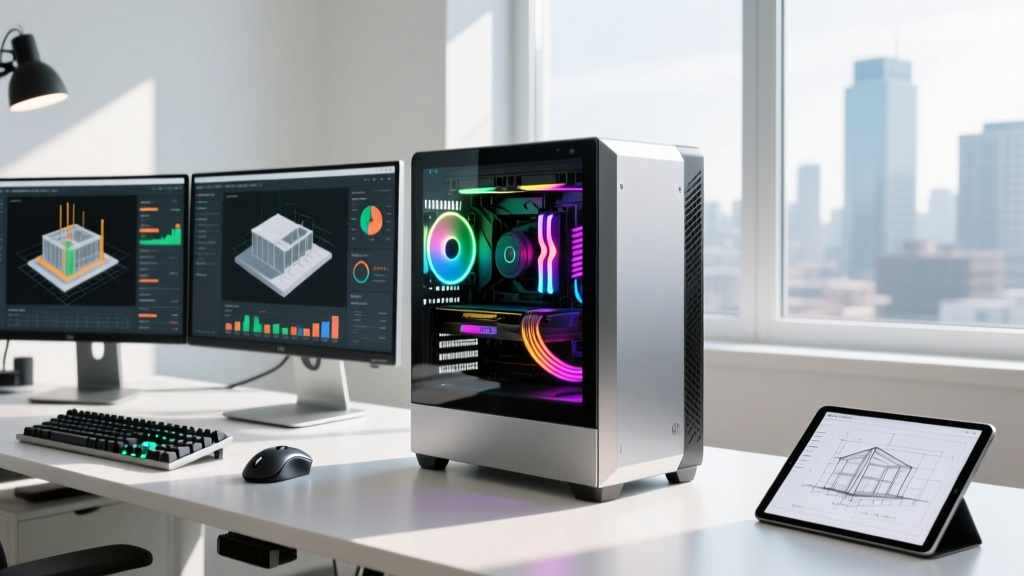
The Hidden Hardware Bottleneck in Construction Estimating
When firm owners and chief estimators ask how much does it cost to build a pc tailored for construction workflows, the answer requires looking past generic consumer advice. Building a workstation for construction estimating, Building Information Modeling (BIM), and 2D/3D takeoffs is fundamentally different from building a gaming rig or a standard office PC. The software stack used by modern contractors—ranging from Bluebeam Revu and PlanSwift to Autodesk Revit and Navisworks—demands highly specific hardware architectures to prevent costly bottlenecks during bid deadlines.
In 2026, the cost to build a custom PC for construction estimating ranges from $1,150 for a dedicated 2D takeoff station to $3,850+ for a high-end BIM and point-cloud processing workstation. However, understanding where to allocate your budget requires a deep dive into how construction software actually utilizes system resources.
Custom Builds vs. Enterprise Pre-Builts: The 2026 Cost Matrix
Many construction firms default to purchasing enterprise pre-built workstations (like the Dell Precision or HP Z series) for their estimating departments. While these offer on-site IT support, they carry a significant enterprise tax. Below is a cost comparison for a mid-tier BIM and estimating workstation.
| Configuration | Custom Build (2026) | Enterprise Pre-Built | Performance Difference |
|---|---|---|---|
| CPU (16-Core, 5.0+ GHz) | $649 (AMD Ryzen 9 9950X) | $850 (Intel Xeon w5-3435X) | Custom is 22% faster in single-core Revit tasks |
| RAM (64GB DDR5) | $180 (Corsair Vengeance) | $320 (ECC Registered) | Negligible for 95% of BIM models |
| Storage (2TB Gen5 NVMe) | $230 (Crucial T705) | $410 (OEM Enterprise) | Identical IOPS, OEM overpriced |
| GPU (16GB VRAM) | $799 (RTX 4070 Ti Super) | $1,450 (RTX 2000 Ada) | Custom is 35% faster in Twinmotion rendering |
| Total Estimated Cost | $2,150 | $3,650+ | Custom saves $1,500+ per seat |
According to extensive benchmarking by Puget Systems Labs, high-clock-speed consumer and prosumer CPUs consistently outperform expensive, lower-clocked enterprise Xeon processors in single-threaded CAD and BIM modeling tasks. Unless your firm requires ECC (Error-Correcting Code) RAM for mission-critical structural simulations, custom builds offer vastly superior price-to-performance ratios.
Component Allocation: What Estimating Software Actually Demands
To build a cost-effective machine, you must match the hardware to the software's underlying engine. Here is how the major construction applications utilize system resources in 2026.
1. The CPU: Single-Core Speed vs. Multi-Core Processing
Autodesk Revit and AutoCAD are notoriously single-threaded when it comes to modeling, drawing, and parameter manipulation. A CPU with fewer cores but higher clock speeds (5.5 GHz or higher) will yield a much smoother viewport experience than a 64-core Threadripper. However, multi-core CPUs shine during Navisworks clash detection, Revit batch rendering, and Bluebeam Revu OCR (Optical Character Recognition) processing. The AMD Ryzen 9 9950X or Intel Core Ultra 9 285K provides the perfect hybrid of extreme single-core boost clocks and enough multi-core threads to handle background batch exports.
2. RAM: The BIM Bottleneck
When handling large-scale commercial BIM models, campus-wide point clouds, or hundreds of PDF drawing sets in PlanSwift, RAM is your primary bottleneck. While the official Autodesk Revit system requirements list 16GB as a minimum, real-world 2026 commercial projects demand much more.
- 32GB: Minimum for 2D takeoffs (Bluebeam, PlanSwift) and light residential Revit models.
- 64GB: The sweet spot for commercial BIM, structural detailing, and multitasking between Excel, CAD, and estimating databases.
- 128GB: Mandatory for point-cloud processing (Leica Cyclone, ReCap) and massive hospital or campus-level Navisworks federated models.
3. Storage: IOPS and Point Clouds
Loading a 50GB laser-scanned point cloud file into Autodesk ReCap is an I/O (Input/Output) bound task. Traditional SATA SSDs and even older PCIe Gen 3 NVMe drives will leave your CPU waiting for data. Investing in a PCIe Gen 5.0 NVMe SSD (like the Crucial T705 or Seagate FireCuda 540) with read speeds exceeding 14,000 MB/s drastically reduces the time spent waiting for massive drawing sets and 3D models to cache into memory.
4. The GPU: Gaming vs. Workstation Cards
Many estimators wonder if they need expensive NVIDIA RTX Ada (formerly Quadro) workstation cards. For 90% of construction workflows, the answer is no. Consumer GeForce cards (like the RTX 4070 Ti Super or RTX 4080 Super) offer vastly more raw CUDA cores per dollar. Unless your firm relies on SolidWorks or requires certified ISV drivers for highly specific structural analysis software, a high-end GeForce card will handle Revit viewports, Twinmotion walkthroughs, and Enscape rendering flawlessly. Always verify your specific software needs via the Bluebeam system requirements and Autodesk certified hardware lists before overspending on enterprise GPUs.
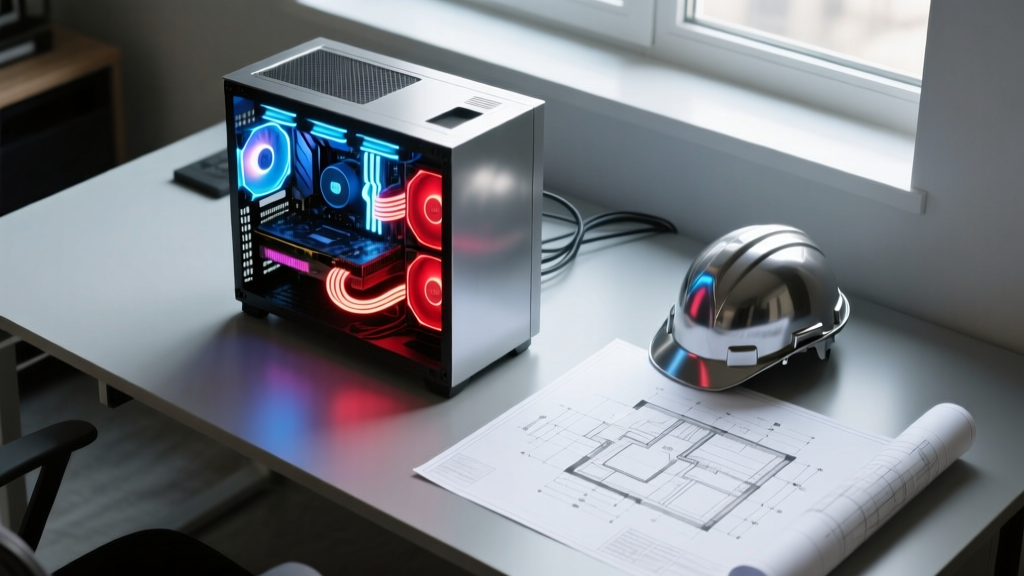
Tiered PC Build Guides & Exact 2026 Pricing
Below are three targeted build configurations based on the specific role within your construction firm.
Tier 1: The 2D Takeoff & Estimating Station
Target User: Dedicated estimators working primarily in Bluebeam Revu, PlanSwift, HeavyBid, and Microsoft Excel.
- CPU: AMD Ryzen 7 7700X ($290)
- RAM: 32GB DDR5-6000 ($95)
- GPU: NVIDIA RTX 4060 8GB ($290) - Hardware acceleration for PDF rendering
- Storage: 1TB PCIe Gen 4.0 NVMe ($85)
- Motherboard/PSU/Case: B650 Board, 650W Gold PSU, Mesh Case ($320)
- Total Cost: ~$1,080
Tier 2: The Commercial BIM & Project Management Workstation
Target User: Project Managers and VDC (Virtual Design and Construction) coordinators running Revit, AutoCAD, Navisworks, and Procore integrations simultaneously.
- CPU: AMD Ryzen 9 9900X ($449)
- RAM: 64GB DDR5-6000 ($180)
- GPU: NVIDIA RTX 4070 Ti Super 16GB ($799)
- Storage: 2TB PCIe Gen 5.0 NVMe ($230)
- Motherboard/PSU/Case: X670E Board, 850W Gold PSU, High-Airflow Case ($450)
- Total Cost: ~$2,108
Tier 3: The Point Cloud & Rendering Powerhouse
Target User: Lead BIM Managers processing LiDAR scans, running clash detection, and generating photorealistic client walkthroughs in Twinmotion or Enscape.
- CPU: AMD Ryzen 9 9950X ($649)
- RAM: 128GB DDR5-5600 ($380)
- GPU: NVIDIA RTX 4090 24GB ($1,799)
- Storage: 2TB Gen5 NVMe (OS/Apps) + 4TB Gen4 NVMe (Project Cache) ($410)
- Motherboard/PSU/Case: X870E Board, 1200W Platinum PSU, Full Tower ($650)
- Total Cost: ~$3,888
The Forgotten Costs: Peripherals and Ergonomics
When calculating how much it costs to build a pc for your estimating team, the tower itself is only part of the equation. Estimators require specific peripherals to maintain accuracy and speed during 8-hour takeoff sessions.
- Dual Monitors or Ultrawide: A 38-inch curved ultrawide (e.g., LG 38WN95C-W, ~$900) allows estimators to view full-scale architectural drawings on one side and their estimating spreadsheet on the other without constant alt-tabbing.
- Digitizer Mouse: A high-DPI ergonomic mouse with programmable buttons (e.g., Logitech MX Master 3S, ~$99) is critical for rapid tracing in PlanSwift and Bluebeam.
- Uninterruptible Power Supply (UPS): A 1500VA UPS (~$220) is non-negotiable. Losing three hours of unsaved Revit work or a complex Bluebeam markup session due to a power flicker costs the firm far more than the price of the battery backup.
ROI: How Faster Hardware Pays for Itself in Bid Accuracy
The ultimate metric for any construction firm is not the upfront cost of the hardware, but the return on investment during the bidding cycle. If an estimator is waiting 45 seconds every time they open a new drawing set in Bluebeam, or 3 minutes for a Navisworks clash detection report to generate, that downtime compounds. Across a team of five estimators working a high-stakes $50M commercial bid, hardware-induced lag can result in dozens of lost hours—time that should be spent analyzing subcontractor quotes and finding value-engineering opportunities.
By investing $2,100 into a properly spec'd custom workstation rather than a $1,500 generic office PC, a firm eliminates viewport stuttering, crashes during large file saves, and OCR processing delays. In the high-stakes environment of construction estimating, where a single missed detail in a drawing addendum can erase a project's profit margin, purpose-built hardware is not an IT expense; it is a critical risk-mitigation tool.
Written by
Marcus ChenMarcus Chen is a licensed structural engineer (PE) and building materials analyst with over 12 years of experience across residential, commercial, and industrial construction. He holds a Master of Science in Civil Engineering from UC Berkeley and spent six years at Thornton Tomasetti before transitioning to independent consulting and technical writing. Marcus specializes in material selection for seismic-prone regions, concrete reinforcement strategies, and lifecycle cost analysis. His work has been cited by the American Concrete Institute (ACI) and the Structural Engineers Association of California (SEAOC). When he is not on a job site or at his desk, you will find him hiking the Sierra Nevada or restoring a 1920s craftsman bungalow in Oakland, CA.
More from Marcus Chen
View all
Construction Cost
How Much Did the Eiffel Tower Cost to Build?
How much did the Eiffel Tower cost to build in 1889? We adjust for inflation and compare its budget to modern skyscraper construction.
Aug 4, 2026

Fire Resistance
What Is a Fire Resistant Material? Testing & Certification Guide
Discover what is a fire resistant material through ASTM and UL testing. Learn how fire ratings, certifications, and assemblies work in construction.
Aug 4, 2026

Construction Cost
How Much Did the Burj Khalifa Cost to Build?
How much did the Burj Khalifa cost to build? We break down the $1.5B project and extract 5 money-saving strategies for your next build.
Jul 30, 2026