How Much Does It Cost to Build Your Own PC? 2026 Budget Breakdown
Discover exactly how much it costs to build your own PC in 2026. We break down component pricing, budget tiers, and hidden costs for custom desktop builds.
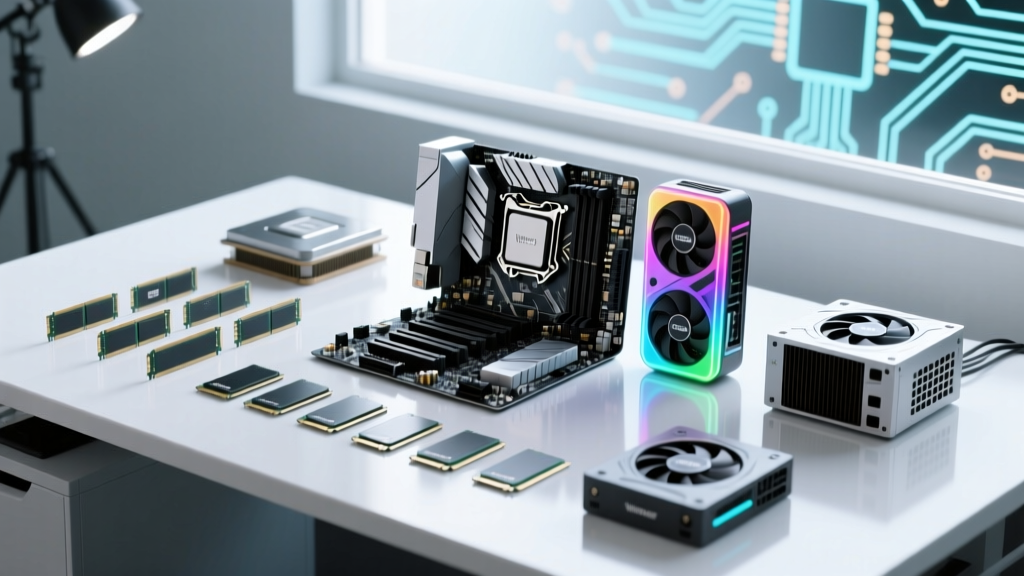
The Blueprint: Understanding Custom PC Construction Costs
Estimating the cost to build your own PC requires the same rigorous budget planning as a traditional construction project. Instead of lumber and concrete, your foundation consists of silicon, printed circuit boards, and thermal dynamics. In 2026, the custom desktop market has stabilized, but new socket generations—specifically AMD's AM5 and Intel's LGA 1851—have shifted the baseline pricing for entry-level and mid-range builds. Whether you are constructing a basic home office terminal or a high-end 4K rendering workstation, understanding the exact cost per component is critical to avoiding budget overruns.
According to system configuration data from PCPartPicker's official system builder guide, the average custom gaming PC build in 2026 hovers around $1,450. However, this average masks the distinct pricing tiers required for different performance targets. Below, we break down the exact material costs required to 'frame' your custom desktop.
2026 Component Pricing Matrix
The following matrix outlines the estimated cost ranges for core internal components across three distinct performance tiers. Prices reflect Q1 2026 market averages for new, retail-boxed parts.
| Component Category | Entry-Level (1080p) | Mid-Range (1440p) | Enthusiast (4K/Workstation) |
|---|---|---|---|
| CPU (Processor) | $130 - $180 | $280 - $400 | $550 - $750 |
| GPU (Graphics) | $220 - $280 | $450 - $650 | $900 - $1,600 |
| Motherboard | $90 - $130 | $160 - $240 | $300 - $500 |
| RAM (Memory) | $45 (16GB DDR4/5) | $85 (32GB DDR5) | $160+ (64GB+ DDR5) |
| Storage (NVMe) | $55 (1TB Gen4) | $90 (2TB Gen4) | $180+ (2TB+ Gen5) |
| Power Supply | $65 (650W Bronze) | $110 (850W Gold) | $200+ (1000W+ Titanium) |
| Case & Cooling | $70 (Air/Basic) | $160 (Tower/240mm AIO) | $350+ (Custom Loop/360mm) |
| Estimated Total | $675 - $855 | $1,335 - $1,870 | $2,640 - $4,160+ |
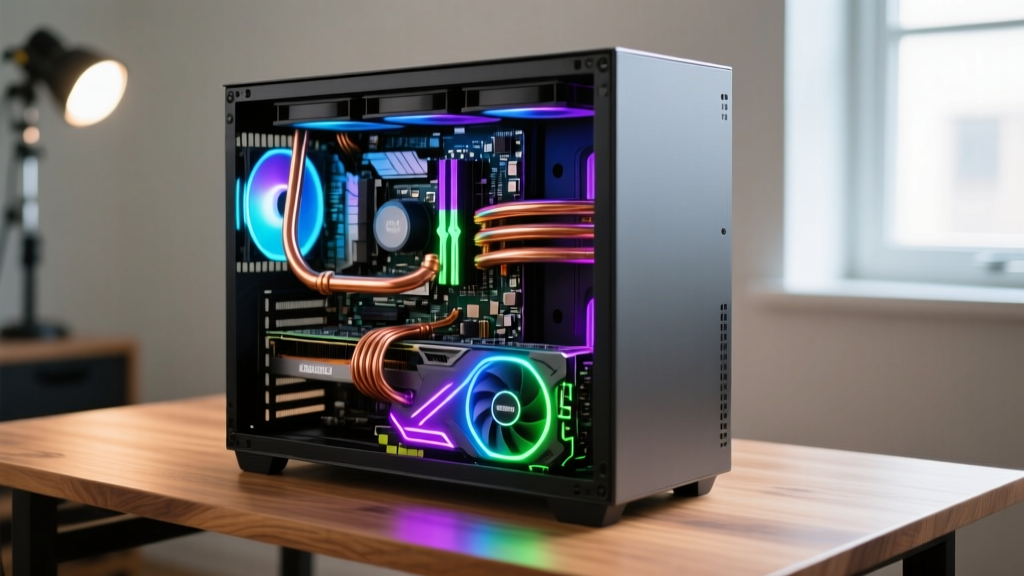
Structural Tiers: Budget, Mid-Range, and Enthusiast Builds
Tier 1: The Essential Foundation ($675 - $855)
At the entry-level, the goal is maximum cost-efficiency without sacrificing structural integrity. For the CPU, the AMD Ryzen 5 7600 or Intel Core i5-13400F provides ample processing headroom for 1080p gaming and general productivity. The GPU allocation should target the NVIDIA RTX 4060 or AMD Radeon RX 7600. To keep costs down, builders often utilize B650 (AMD) or B760 (Intel) motherboards, which lack the premium overclocking features of their 'X' or 'Z' series counterparts but offer identical baseline performance. At this tier, a high-quality 650W 80+ Bronze power supply is mandatory; never compromise on the PSU, as a failing power supply can destroy the entire system.
Tier 2: The Heavy-Duty Workhorse ($1,335 - $1,870)
The mid-range tier represents the 'sweet spot' for price-to-performance. Here, you transition to 32GB of DDR5 RAM. According to extensive memory scaling tests documented by Tom's Hardware's component hierarchy, pairing a mid-range CPU with a high-tier GPU yields the best frame rates. Allocate roughly 35% of your total budget to the graphics card—such as the RTX 4070 Super or RX 7800 XT. For RAM, specifically target DDR5-6000 MT/s with CL30 latency; this is the proven optimal specification for both AMD's Infinity Fabric and Intel's memory controllers in 2026.
Tier 3: The Enthusiast Skyscraper ($2,640+)
Enthusiast builds prioritize zero compromises. This requires flagship processors like the Intel Core Ultra 9 (LGA 1851) or AMD Ryzen 9 9950X3D, paired with RTX 4090 or 50-series equivalents. At this level, you must invest in an ATX 3.1 compliant power supply featuring the updated 12V-2x6 connector, which physically resolves the melting issues associated with early ATX 3.0 12VHPWR cables. Storage should utilize PCIe Gen5 NVMe drives, which require dedicated motherboard heatsinks to prevent thermal throttling during sustained write operations.
When estimating power supply costs for high-end GPUs, ensure the unit explicitly lists 'ATX 3.1' and '12V-2x6'. Older ATX 3.0 units with the original 12VHPWR connector require careful seating to prevent localized melting under heavy transient loads. Budget an extra $30-$50 for a modern ATX 3.1 unit to guarantee native hardware safety.
Hidden Costs and 'Permit' Fees
Just as a building contractor must account for permits, site prep, and finishing materials, PC builders frequently overlook peripheral and assembly costs. When drafting your final budget, add the following line items:
- Operating System License ($100 - $140): A retail Windows 11 license is tied to your account, while an OEM license is tied to the motherboard. Factor this into the software budget.
- Precision Tool Kit ($30 - $40): Do not use generic household screwdrivers that can strip delicate motherboard standoffs. Invest in a precision kit like the iFixit Mako Driver Kit, which includes the exact Torx and Phillips bits required for M.2 heatsinks and PSU shrouds.
- Thermal Interface Material ($10 - $15): While most CPU coolers come with pre-applied paste, enthusiast builders upgrading to custom loops or aftermarket coolers should budget for high-performance compounds like Thermal Grizzly Kryonaut.
- Cable Management Extensions ($40 - $80): If your 'curb appeal' matters, custom sleeved cable extensions (e.g., CableMod) hide standard kinked PSU cables and provide clean, straight routing paths.
FAQ: Custom PC Cost Estimating
Is it cheaper to build a PC or buy a pre-built in 2026?
Building your own PC is generally 10% to 20% cheaper than buying a pre-built system with identical specifications. Pre-built manufacturers charge a 'build fee' and often cut corners on non-performance components like power supplies, motherboards, and case airflow to maintain profit margins. Building it yourself ensures every dollar is allocated to quality materials.
How much should I budget for a 1440p gaming PC?
For a high-refresh-rate 1440p gaming PC in 2026, you should budget between $1,400 and $1,700. This allows for a mid-range CPU, 32GB of DDR5 RAM, a 2TB Gen4 NVMe SSD, and a GPU in the RTX 4070 / RX 7800 XT class, which is the current baseline for maxed-out 1440p performance.
Can I reuse parts from an old PC to save money?
Yes, but with strict caveats. You can safely reuse storage drives, case fans, and sometimes the PC case itself. However, reusing an older power supply is highly discouraged if it is over 5-7 years old, as capacitor degradation can lead to system instability. Furthermore, older DDR4 RAM is physically incompatible with modern 2026 AM5 and LGA 1851 motherboards, which strictly require DDR5.
'The most expensive mistake in PC building isn't buying a part that is too fast; it's buying a power supply that is too cheap. Always allocate at least 8-10% of your total build cost to a high-efficiency, fully modular power supply from a reputable manufacturer.' — Custom System Integration Best Practices, Intel Developer Guidelines
Written by
Elena RodriguezElena Rodriguez is a civil engineer and technical writer specializing in concrete technology, masonry systems, and ASTM/ACI compliance. She earned her B.S. in Civil Engineering from Texas A&M University and spent a decade at a materials testing laboratory, performing over 2,000 concrete compressive strength tests and masonry prism evaluations. Elena is an ACI-certified Field Testing Technician (Grade I) and a member of ASTM Committee C12 on Natural Building Stone. She currently consults on forensic engineering cases involving concrete failures and moisture intrusion. Based in San Antonio, TX, Elena is a proud member of the Society of Women Engineers (SWE) and coaches her daughter's FIRST Robotics team.
More from Elena Rodriguez
View all
Walls & Panels
Cost Analysis: Light Gauge Steel Framing Advantages and Disadvantages
Evaluate light gauge steel framing advantages and disadvantages through a strict cost analysis lens, comparing material, labor, and lifecycle expenses.
Aug 4, 2026
Walls & Panels
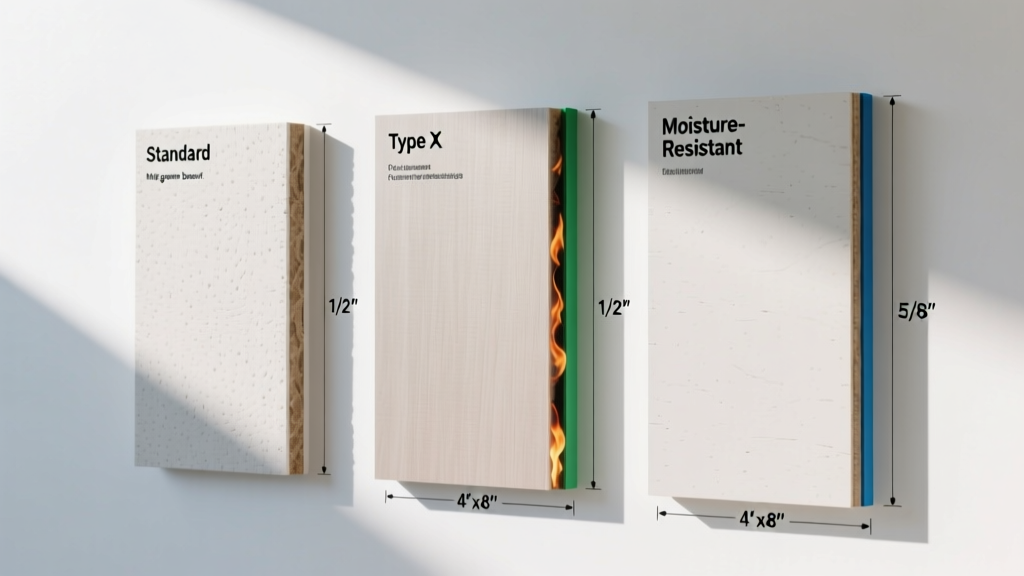
Gypsum Board Types: Exact Specifications, Thickness & Dimensions
Compare standard, Type X, and moisture-resistant gypsum board types. Get exact specifications, thicknesses, dimensions, and ASTM standards for your project.
Aug 4, 2026
Fire Resistance
Best Fire-Resistant Outdoor Decking Materials: 2026 Buyer Guide
Discover the best fire-resistant outdoor decking materials for 2026. Compare Class A PVC, aluminum, and hardwood options for WUI compliance and safety.
Aug 4, 2026