Selecting Building Materials Images: A Guide for BIM and 3D Design
Discover how to source, evaluate, and select high-resolution building materials images for BIM textures, 3D rendering, and accurate client presentations.
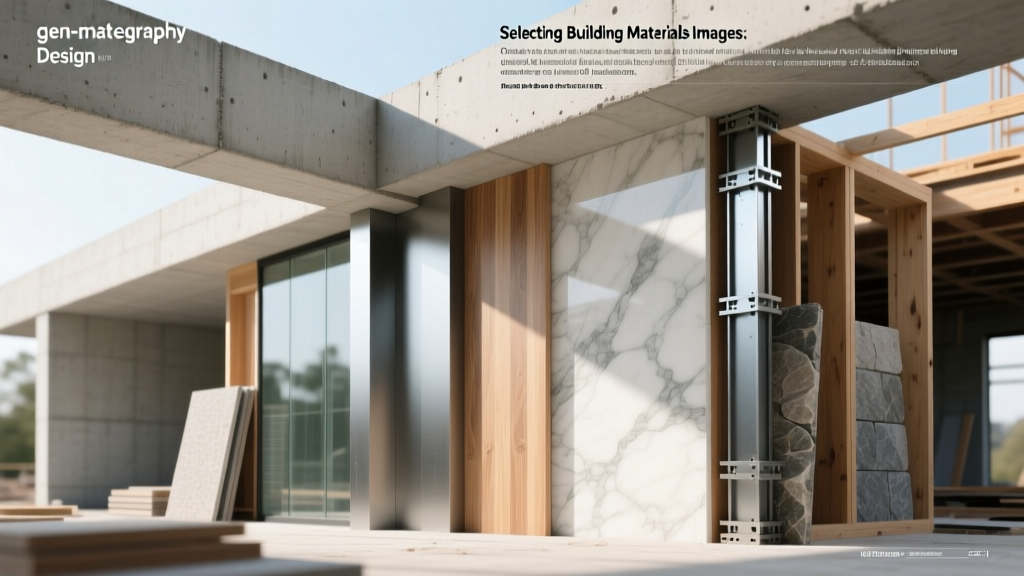
The Technical Baseline: Moving Beyond Flat Diffuse Maps
When sourcing building materials images for architectural visualization, BIM (Building Information Modeling), or e-commerce catalogs, a standard JPEG is no longer sufficient. Modern rendering engines like V-Ray, Enscape, and Unreal Engine 5 rely on Physically Based Rendering (PBR) workflows. Selecting the right imagery requires evaluating a complete texture map suite rather than a single color photograph.
A professional material asset must accurately simulate how light interacts with the physical surface. If you are selecting images for client-facing design boards or 3D models, you must verify the availability of the following PBR channels:
| PBR Map Type | Function | Selection Criteria |
|---|---|---|
| Albedo / Base Color | Defines the base color without lighting or shadows. | Must be completely flat-lit. Avoid images with baked-in shadows or highlights. |
| Normal Map | Simulates micro-surface details (pores, grain) without adding geometry. | Look for 16-bit depth to prevent 'banding' artifacts on smooth surfaces like polished concrete. |
| Roughness / Glossiness | Determines how sharp or blurry reflections appear. | Crucial for materials like honed marble or weathered steel. Must show micro-variations, not a flat grey. |
| Displacement / Height | Actually alters the 3D geometry to create deep relief (e.g., brick mortar joints). | Requires 16-bit or 32-bit EXR/TIFF formats. 8-bit JPEGs will cause stair-stepping on edges. |
Resolution and Texel Density: Matching Specs to Project Phases
A common mistake in material selection is over-allocating memory by using 8K or 16K textures for early-stage conceptual models, or conversely, using 2K textures for final marketing renders. In 2026, with real-time rendering engines utilizing nanite-style virtualized geometry, texture resolution must be matched to the camera's proximity and the project phase.
Resolution Matrix for Architectural Workflows
| Resolution | Pixel Dimensions | Ideal Use Case | VRAM Impact (Per Material) |
|---|---|---|---|
| 2K | 2048 x 2048 | Background elements, early massing models, VR walkthroughs (distant objects). | ~16 MB |
| 4K | 4096 x 4096 | Standard interior/exterior renders, mid-range client presentations. | ~64 MB |
| 8K | 8192 x 8192 | Hero shots, extreme close-ups of tactile materials (leather, raw timber, stone). | ~256 MB |
| 16K | 16384 x 16384 | Cinematic architectural films, macro-photography style renders, high-end product viz. | ~1 GB+ |
For consistent realism across a 3D scene, maintain a uniform texel density. A standard architectural baseline is 512 pixels per meter. If you apply a 4K texture to a 2-meter wall, your density is 2048px/m (too sharp). Tile the image 4x to match the 512px/m baseline, ensuring the material scale matches physical reality.
Sourcing Ecosystem: Where to Find Accurate Material Imagery
The market for building materials images is split between generic stock photography, scanned PBR libraries, and manufacturer-specific BIM objects. Selecting the right platform depends on your need for physical accuracy versus creative flexibility.
1. Photogrammetry and Scanned Libraries
For hyper-realistic, physically accurate materials, photogrammetry libraries are the industry standard. Platforms like Quixel Megascans and AmbientCG utilize multi-spectral scanning to capture real-world surfaces. These libraries provide the full PBR suite and are calibrated for linear color space workflows.
- Best for: Natural stone, raw concrete, timber, and terrain.
- Limitation: Often lacks specific branded commercial products (e.g., a specific Kohler tile or Armstrong ceiling grid).
2. Manufacturer-Specific BIM Portals
When a project requires exact specification data alongside visual textures, platforms like BIMobject are essential. These portals provide building materials images directly from manufacturers, often bundled with Revit or Archicad families.
- Best for: Cladding systems, commercial flooring, roofing membranes, and fenestration.
- Limitation: Texture maps are sometimes limited to simple diffuse JPEGs rather than full PBR suites, requiring manual roughness/normal map generation in software like Substance Painter.
3. Procedural and AI-Assisted Generators
While AI image generation has advanced, using purely synthetic AI images for material textures remains risky due to non-tiling artifacts and inaccurate scale. However, procedural tools integrated into Chaos V-Ray or Substance Designer allow you to use base photographs and procedurally generate the missing normal and displacement maps with mathematical precision.
Color Calibration and the Danger of Metamerism
One of the most critical failures in translating building materials images from a digital screen to a physical job site is metamerism—the phenomenon where two colors match under one light source but differ under another. A digital image of a terracotta brick viewed on an uncalibrated sRGB monitor will look drastically different when the physical brick is installed under D50 (warm daylight) versus D65 (cool daylight) conditions.
'Never approve a physical material order based solely on a compressed JPEG from a supplier's website. Always cross-reference digital imagery with physical samples evaluated under the specific lighting conditions of the final installation environment.'
Best Practices for Color Accuracy
- Demand ColorChecker Data: Premium material scanners include an X-Rite ColorChecker reference in the raw scan. Ensure the albedo map you download has been white-balanced against this reference.
- Work in Linear Space: Rendering engines calculate light mathematically. Ensure your texture maps are converted to a linear color space (gamma 1.0) before plugging them into the roughness or normal channels, while keeping the albedo map in sRGB.
- Request Spectral Data: For high-end architectural lighting design, ask manufacturers for spectral reflectance data (BRDF) rather than just RGB images, allowing rendering engines to calculate accurate light bounces.
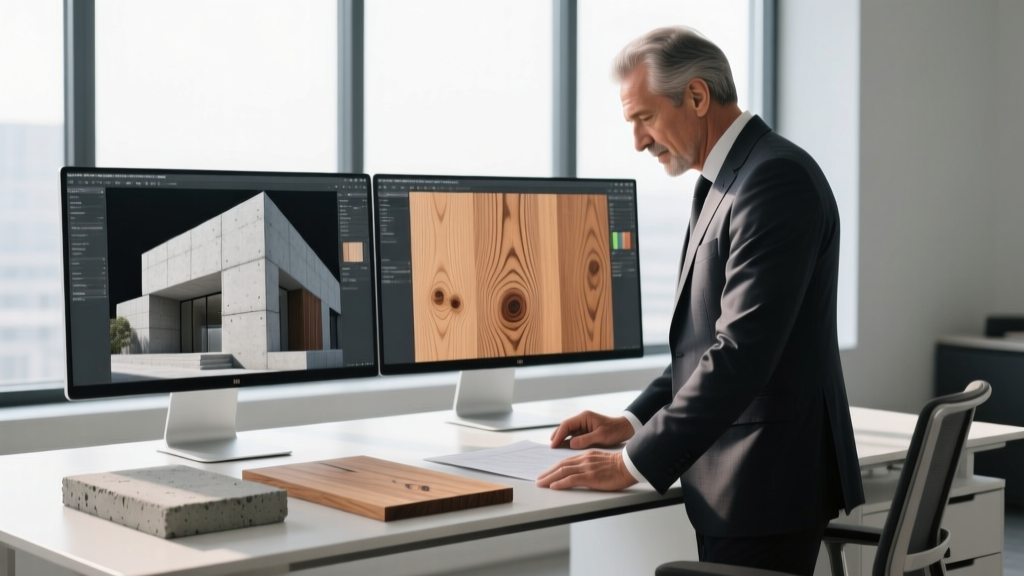
Licensing and Commercial Usage Rights
When integrating building materials images into client presentations, marketing brochures, or commercial video games, licensing dictates your legal exposure. Always verify the specific license type before downloading:
CC0 (Public Domain)
Free for commercial use, no attribution required. Platforms like AmbientCG operate on this model. Ideal for agencies producing high-volume marketing assets.
Royalty-Free (RF)
Requires a one-time fee or subscription. You can use the images in commercial renders, but cannot resell the texture maps themselves as digital assets.
Editorial Use Only
Often applies to images of trademarked building products or recognizable branded facades. Cannot be used in commercial advertising or end-product packaging.
Final Selection Checklist
Before importing any material image into your BIM or rendering pipeline, run it through this verification checklist:
- Is the albedo map completely free of baked-in directional shadows?
- Does the image tile seamlessly on both the X and Y axes without obvious grid patterns?
- Are the displacement/height maps saved in 16-bit or 32-bit formats to prevent stair-stepping?
- Has the physical scale (e.g., 1 tile = 600mm x 600mm) been documented in the metadata?
- Is the licensing cleared for your specific commercial output (e.g., client pitch vs. public billboard)?
By treating building materials images as technical data sets rather than mere visual references, architectural and construction professionals can bridge the gap between digital design and physical execution, ensuring that the material approved in the boardroom is exactly what gets installed on the site.
Written by
Sarah WhitfieldSarah Whitfield is a chartered quantity surveyor (MRICS) and construction cost analyst with 15 years of experience in material pricing, procurement strategy, and project budgeting. She earned her degree in Construction Management from the University of Reading (UK) and has worked on projects ranging from $2M custom homes to $180M mixed-use developments across North America and Europe. Sarah currently leads cost estimating for BuildMat Insight, maintaining a proprietary database of 4,000+ material price points updated quarterly. She is a frequent contributor to RSMeans cost data panels and has presented at the International Cost Engineering Council (ICEC) congress. Based in Denver, CO, Sarah is an avid trail runner and volunteer mentor for Women in Construction.
More from Sarah Whitfield
View all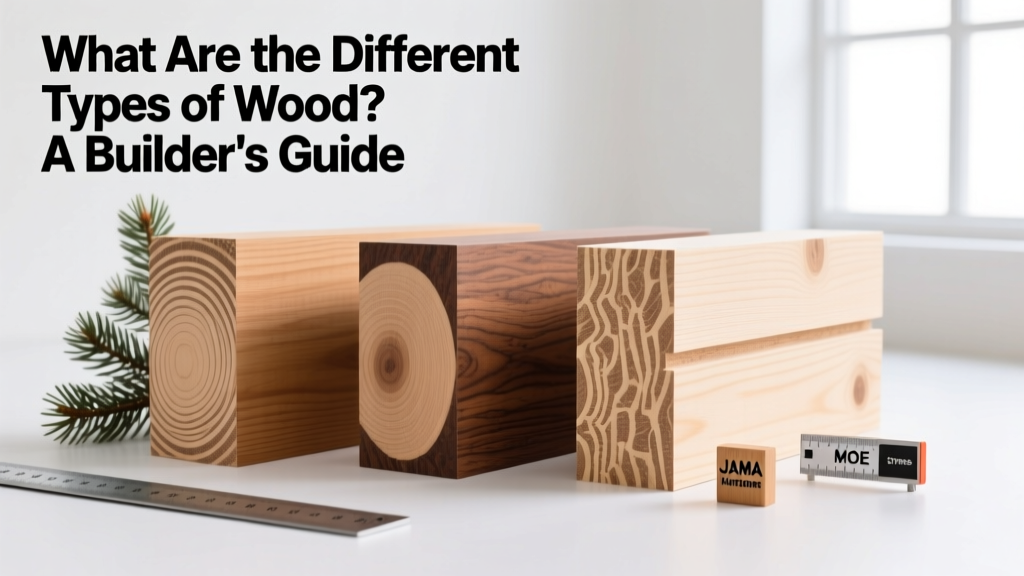
Wood & Lumber
What Are the Different Types of Wood? A Builder's Guide
Compare structural softwoods, finish hardwoods, and engineered lumber. Analyze Janka ratings, MOE values, and 2026 pricing for construction.
Aug 4, 2026
Walls & Panels
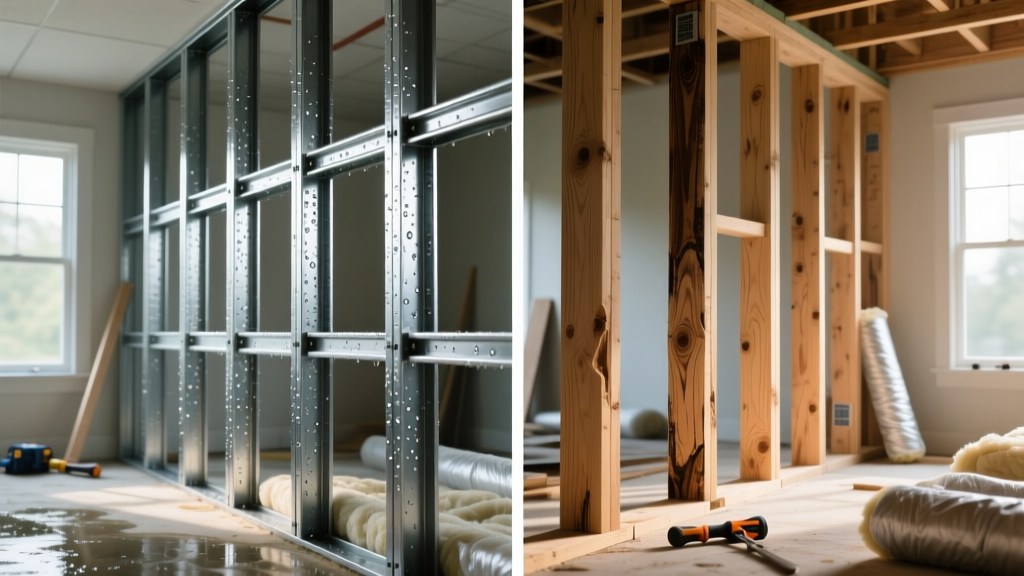
Steel Framing vs Wood Framing: Corrosion and Moisture Defense
Compare steel framing vs wood framing for moisture resistance. Learn about galvanized coatings, condensation risks, and corrosion protection strategies.
Jul 21, 2026

Stone & Masonry
How to Cut Stone Veneer: Wet Saw vs Grinder Comparison
Compare the best tools for cutting stone veneer. We review wet saws, angle grinders, and chop saws to help you achieve clean, chip-free cuts.
Jul 21, 2026