Average Cost to Build a Gaming PC: 2026 Budget Guide
Discover the average cost to build a gaming PC in 2026. Our budget planner breaks down component prices, from entry-level 1080p to ultra 4K rigs.
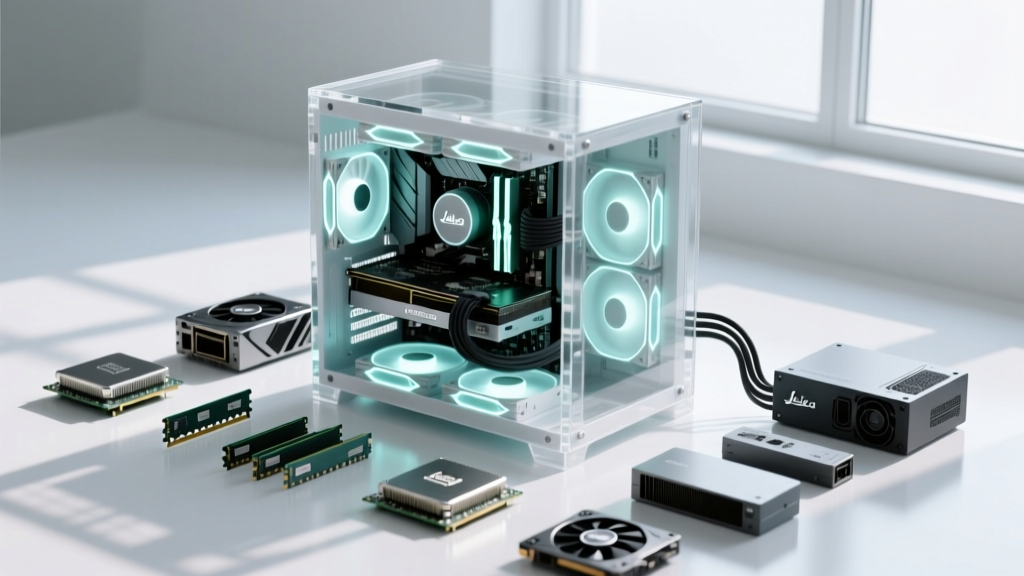
The 2026 PC Building Bill of Materials (BOM)
Approaching a custom computer build requires the same rigorous budget planning as a traditional construction project. Instead of lumber and concrete, your Bill of Materials (BOM) consists of silicon, copper, and printed circuit boards. The average cost to build a gaming PC in 2026 varies drastically based on your target resolution and frame rate requirements. While a basic 1080p machine can be assembled for under $900, a flagship 4K workstation-gaming hybrid will easily exceed $3,500.
Unlike pre-built systems that charge a premium for assembly and proprietary parts, building your own rig allows for precise value engineering. By treating the CPU and GPU as your critical path—the structural foundation that dictates overall performance—you can allocate capital efficiently and avoid overspending on cosmetic finishes like RGB lighting or premium chassis materials.
Tiered Cost Estimating: 1080p, 1440p, and 4K Rigs
To establish an accurate budget, we segment builds into three distinct performance tiers. Pricing reflects early 2026 market rates for new, current-generation components, excluding peripherals and monitors.
| Tier | Target Resolution | CPU / GPU Combination | RAM / Storage | Estimated Total |
|---|---|---|---|---|
| Entry-Level | 1080p @ 60-120Hz | Ryzen 5 7600 / RTX 4060 | 16GB DDR5 / 1TB Gen4 NVMe | $850 - $950 |
| Mid-Range | 1440p @ 144Hz+ | Ryzen 7 9800X3D / RTX 5070 | 32GB DDR5 / 2TB Gen4 NVMe | $1,650 - $1,850 |
| Ultra / Flagship | 4K @ 120Hz+ | Core Ultra 9 285K / RTX 5090 | 64GB DDR5 / 4TB Gen5 NVMe | $3,600 - $4,200 |
Entry-Level: The High-ROI Foundation
The sub-$1,000 tier focuses on maximizing the price-to-performance ratio. The AMD Ryzen 5 7600 remains a staple in 2026 for budget builds due to its low thermal design power (TDP) and inclusion of a stock cooler, eliminating a $40-$60 aftermarket cooling expense. Paired with an NVIDIA RTX 4060 or AMD Radeon RX 7600, this rig handles modern esports titles and AAA games at 1080p with medium-to-high settings. According to the Steam Hardware Survey, 1080p still commands a massive share of the market, making this the most practical entry point for budget-conscious builders.
Mid-Range: The 1440p Sweet Spot
The $1,700 average cost to build a gaming PC in this tier targets the 1440p sweet spot. The Ryzen 7 9800X3D utilizes 3D V-Cache technology to eliminate CPU bottlenecks in simulation-heavy games, while the RTX 5070 provides ample VRAM and ray-tracing cores for high-refresh-rate 1440p gaming. This tier requires a robust 850W ATX 3.1 power supply to handle transient power spikes, adding roughly $120 to your BOM.
Ultra: Uncompromised 4K Performance
Flagship builds are exercises in diminishing returns. The RTX 5090 alone consumes over 40% of the total budget, often retailing above $1,800. This tier demands premium supporting infrastructure: a high-airflow full-tower case, a 360mm or 420mm AIO liquid cooler, and a 1200W+ Titanium-rated power supply. This is strictly for enthusiasts who refuse to lower in-game settings at 4K resolution.
Hidden 'Permit & Labor' Fees: The Overlooked Line Items
First-time builders frequently underestimate the final invoice by 10% to 15% because they only price the core components. When drafting your budget, you must account for the following ancillary costs:
Warning: Common Budget Overruns
- Operating System Licensing: A retail Windows 11 Home license costs $139. While OEM keys exist on gray markets, enterprise and professional builders should budget for legitimate retail or volume licensing.
- Thermal Interface Material (TIM): High-end CPUs require premium thermal paste (e.g., Thermal Grizzly Kryonaut or Arctic MX-6). Budget $12-$15 for a high-quality syringe to ensure optimal heat transfer.
- Assembly Tools: A magnetic-tipped Phillips #2 screwdriver is mandatory. An iFixit Mako Driver kit ($40) prevents stripped screws and damaged motherboard standoffs.
- Shipping and Sales Tax: Heavy components like full-tower cases and large power supplies incur significant shipping fees if you do not meet retailer free-shipping thresholds.
Value Engineering: Optimizing the Critical Path
In construction, value engineering involves substituting materials to reduce costs without sacrificing structural integrity. In PC building, this means identifying components that do not directly impact frame rates and sourcing them at a discount.
- Chassis Selection: A $200 premium case with tempered glass and pre-installed RGB fans offers zero performance advantage over a $75 mesh-front case with basic airflow. Allocate the $125 savings directly to a higher-tier GPU.
- Motherboard Chipsets: Avoid flagship motherboards (e.g., X870E or Z890) unless you specifically require multiple PCIe 5.0 M.2 slots or extreme CPU overclocking capabilities. A mid-range B650 or B850 motherboard provides identical gaming performance for $150 less.
- CPU Coolers: The Tom's Hardware GPU Hierarchy dictates that GPU choice matters most, but CPU cooling is often overspent. A $40 dual-tower air cooler (like the Thermalright Peerless Assassin) outperforms many $150 liquid coolers, offering superior longevity without the risk of pump failure or coolant evaporation.
- Storage Phasing: Gen5 NVMe drives carry a massive early-adopter tax. Gen4 drives (like the WD Black SN850X) offer real-world load times indistinguishable from Gen5 in gaming scenarios, at half the cost per gigabyte.
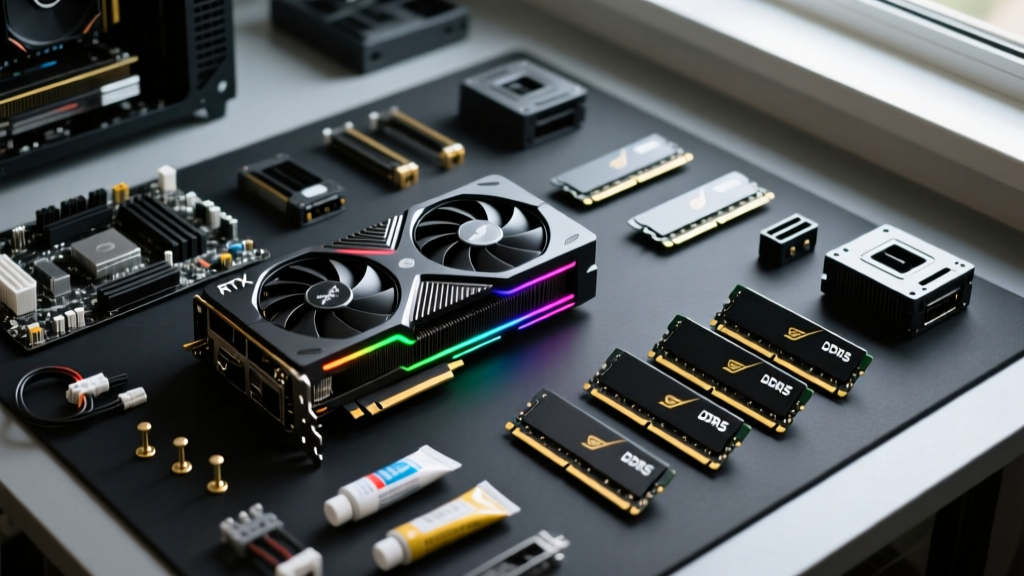
Strategic Procurement: Phasing Your Purchases
Managing cash flow is critical when the average cost to build a gaming PC exceeds $1,500. Utilizing a platform like PCPartPicker allows you to track price history and set alerts. Follow this procurement sequence to protect your capital:
- Phase 1: The Core (CPU, Motherboard, RAM). Purchase these together to ensure compatibility and utilize retailer bundle deals (e.g., free game codes or discounted RAM kits with specific motherboards).
- Phase 2: The Foundation (PSU, Case, Storage). Power supplies frequently go on sale during holiday weekends. Buy a high-efficiency unit with a 10-year warranty; never cheap out on the PSU, as a failure can destroy the entire system.
- Phase 3: The GPU (Just-in-Time Delivery). Graphics cards depreciate the fastest and are subject to market volatility. Purchase the GPU last, right before you are ready to assemble the system, to maximize warranty coverage and avoid sitting on an unboxed, depreciating asset.
Cost Estimation FAQs
Is it cheaper to build or buy a pre-built gaming PC in 2026?
Building is generally 15% to 20% cheaper than buying a pre-built system with identical specifications. Pre-built manufacturers charge a premium for assembly labor, warranty management, and proprietary motherboards that limit future upgradeability. However, during major sales events, system integrators can sometimes leverage bulk OEM pricing on GPUs to offer highly competitive entry-level rigs.
How long will a $1,500 mid-range build last before needing upgrades?
A properly balanced 1440p rig built in 2026 with 32GB of DDR5 RAM and a modern GPU will comfortably play new releases at high settings for 4 to 5 years. The primary upgrade path in year three or four will likely be the graphics card, assuming you invested in a power supply with adequate wattage headroom and a case with sufficient physical clearance for future, longer GPU models.
Does RGB lighting increase the cost significantly?
Yes. The 'RGB tax' adds roughly 20% to 30% to the cost of RAM, coolers, and case fans. If your primary goal is maximizing frames per second per dollar, strip all aesthetic lighting from your BOM and redirect those funds toward a faster storage drive or a better CPU cooler.
Written by
Marcus ChenMarcus Chen is a licensed structural engineer (PE) and building materials analyst with over 12 years of experience across residential, commercial, and industrial construction. He holds a Master of Science in Civil Engineering from UC Berkeley and spent six years at Thornton Tomasetti before transitioning to independent consulting and technical writing. Marcus specializes in material selection for seismic-prone regions, concrete reinforcement strategies, and lifecycle cost analysis. His work has been cited by the American Concrete Institute (ACI) and the Structural Engineers Association of California (SEAOC). When he is not on a job site or at his desk, you will find him hiking the Sierra Nevada or restoring a 1920s craftsman bungalow in Oakland, CA.
More from Marcus Chen
View all
Construction Cost
How Much Did the Eiffel Tower Cost to Build?
How much did the Eiffel Tower cost to build in 1889? We adjust for inflation and compare its budget to modern skyscraper construction.
Aug 4, 2026
Fire Resistance
What Is a Fire Resistant Material? Testing & Certification Guide
Discover what is a fire resistant material through ASTM and UL testing. Learn how fire ratings, certifications, and assemblies work in construction.
Aug 4, 2026

Construction Cost
How Much Did the Burj Khalifa Cost to Build?
How much did the Burj Khalifa cost to build? We break down the $1.5B project and extract 5 money-saving strategies for your next build.
Jul 30, 2026