How Much Does It Cost to Build a CRM for Construction Firms? (2026)
Discover how much it costs to build a CRM for construction estimating, plus money-saving strategies to cut custom software development expenses.
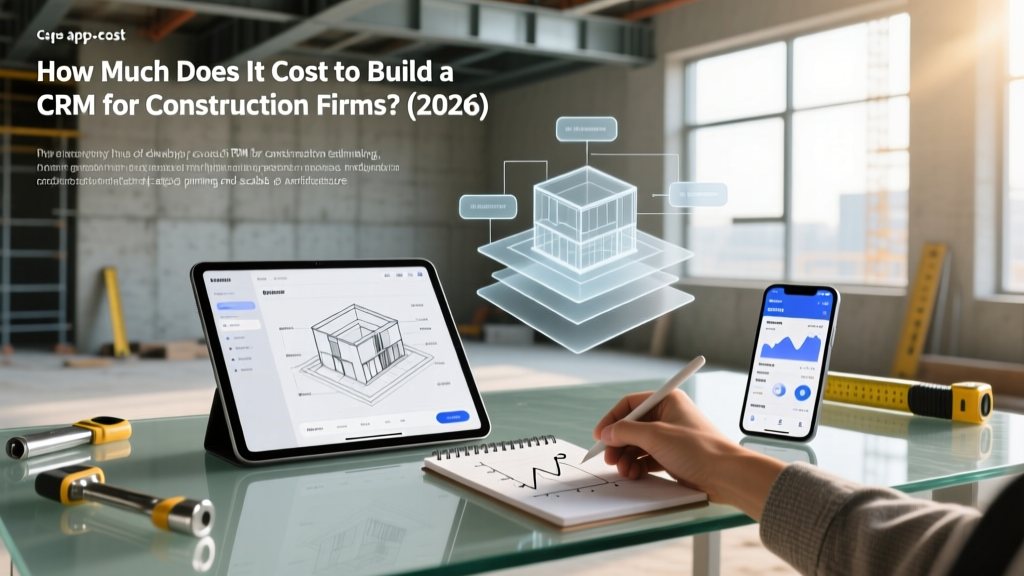
The SaaS Trap: Why General Contractors Are Building Custom CRMs
For general contractors, custom home builders, and specialty subcontractors, managing the pipeline of bids, material takeoffs, and client relationships is the lifeblood of the business. However, when construction executives ask how much does it cost to build a CRM, they are usually reacting to the bloated pricing of off-the-shelf SaaS platforms. Enterprise construction management suites often charge per-seat licensing that can easily exceed $15,000 annually for a mid-sized firm with 50+ field workers and estimators.
Building a custom Customer Relationship Management (CRM) system tailored specifically for construction estimating and bid tracking allows firms to bypass per-user fees, integrate directly with material supplier databases, and own their proprietary historical bid data. According to industry analysis on construction technology adoption, firms that invest in tailored, proprietary tech stacks see a 14% higher win rate on competitive bids due to faster, more accurate data retrieval.
Exact Cost Breakdown: How Much Does It Cost to Build a CRM?
The cost to develop a custom construction CRM varies based on the complexity of the estimating integrations and the depth of the project management pipeline. Below is a realistic 2026 cost matrix for a mid-market general contractor.
| Development Phase | MVP (Bid Tracking) | Mid-Market Suite | Enterprise ERP Hybrid |
|---|---|---|---|
| Discovery & UI/UX Design | $4,000 - $8,000 | $12,000 - $18,000 | $25,000+ |
| Core Database & Pipeline | $10,000 - $15,000 | $25,000 - $40,000 | $60,000+ |
| Estimating API Integrations | $3,000 - $5,000 | $12,000 - $20,000 | $35,000+ |
| Mobile App (Field Use) | N/A (Web only) | $15,000 - $25,000 | $40,000+ |
| TOTAL ESTIMATE | $17,000 - $28,000 | $64,000 - $103,000 | $160,000+ |
As highlighted by Gartner's CRM insights, the shift toward composable, API-driven architectures has reduced the baseline cost of custom database applications by nearly 30% since 2023, making custom builds highly viable for construction firms generating over $10M in annual revenue.
4 Money-Saving Strategies for Construction CRM Development
If you are determined to build a proprietary system to manage your construction leads, material quotes, and subcontractor compliance, you must avoid the trap of over-engineering. Implement these four strategies to slash development costs without sacrificing estimating accuracy.
1. Leverage Low-Code Platforms for the MVP
Do not write your CRM backend from scratch using raw Node.js or Python frameworks unless you have an in-house engineering team. Utilizing enterprise low-code platforms like Microsoft PowerApps or Bubble allows you to build relational databases that link client profiles to specific material takeoffs and bid statuses. Cost Savings: Low-code development typically reduces initial MVP build time by 50-60%, saving $10,000 to $15,000 in upfront engineering costs.
2. Integrate Existing Estimating APIs (Don't Rebuild the Wheel)
The most expensive mistake construction firms make is attempting to build their own material cost database and supplier directory within the CRM. Instead, build a lightweight CRM that pulls live pricing and supplier data via API. By utilizing the Procore API or integrating directly with RSMeans data feeds, your CRM can automatically update lumber, steel, and concrete pricing on active bids. Cost Savings: Saves roughly 400+ hours of database architecture and data-entry labor.
3. Adopt a Serverless Cloud Architecture
Construction businesses experience massive seasonal spikes in server usage (e.g., during heavy spring bidding seasons) and lulls in the winter. Provisioning dedicated AWS EC2 instances will result in paying for idle server time. By architecting your custom CRM on serverless infrastructure like AWS Lambda or Google Cloud Run, you only pay for the exact compute time used when estimators are actively pulling reports. Cost Savings: Reduces monthly hosting bills from $400+ down to $40-$80/month.
4. Phase the Rollout: Bid Tracking First, Field Management Later
Scope creep destroys software budgets. Phase 1 of your CRM should strictly focus on the pre-construction pipeline: lead capture, bid estimating workflows, and client communication. Leave post-award features like daily field logs, RFI tracking, and AIA billing management for Phase 2, which can be funded by the increased profit margins generated by Phase 1's higher bid-win rate.
Decision Matrix: Should You Build or Buy?
Not every contractor needs a custom CRM. Use this framework to determine the most cost-effective route for your specific operational model.
- Choose Custom Build If: You have a highly specialized niche (e.g., commercial roofing, custom maritime docks) where off-the-shelf CRMs lack the specific material variables and compliance tracking fields you require. You also have 30+ employees and want to avoid per-seat SaaS pricing.
- Choose Off-the-Shelf SaaS If: You are a residential remodeler or general handyman service with fewer than 15 employees. The $100/month subscription for platforms like HubSpot or Jobber will take decades to surpass the cost of a custom build.
- Choose the Hybrid Approach If: You buy a base CRM (like Salesforce or HubSpot) but hire a developer for 40 hours ($6,000) to build custom API bridges to your specific construction estimating software (like PlanSwift or Bluebeam).
"The most successful mid-market contractors in 2026 aren't necessarily using the most expensive software; they are using highly integrated, custom-tailored systems that eliminate double-entry between their estimating spreadsheets and their client pipelines."
Real-World ROI: When Does a Custom CRM Pay for Itself?
To justify a $65,000 Mid-Market Suite build, the CRM must generate or save an equivalent amount within 18 months. Here is how a custom construction CRM achieves ROI:
- Elimination of SaaS Bloat: Canceling three redundant subscriptions (e.g., a lead tracker, a document vault, and a basic estimator) saves an average of $2,200 per month ($26,400 annually).
- Reduced Estimating Errors: By hardcoding supplier API feeds directly into the CRM's bid pipeline, estimators stop using outdated material prices. Preventing just one underbid commercial project a year saves the firm from catastrophic margin erosion, easily covering the software's cost.
- Faster Bid Turnaround: Automated template generation and historical data retrieval allow estimators to submit 20% more bids per month without hiring additional pre-construction staff.
Frequently Asked Questions
Can I build a construction CRM using Excel or Airtable?
Yes, for firms doing under $3M in revenue, Airtable serves as an excellent relational database for tracking bids and material suppliers. However, it lacks the robust security, role-based access control (RBAC), and complex API webhooks required for enterprise-level construction compliance and multi-tier subcontractor management.
Who owns the data if I use a custom CRM?
When you build a custom CRM hosted on your own AWS or Azure tenant, your firm retains 100% ownership of your historical bid data, client lists, and proprietary material cost databases. SaaS providers often hold your data hostage in proprietary formats that are difficult to export if you decide to switch platforms.
Written by
Sarah WhitfieldSarah Whitfield is a chartered quantity surveyor (MRICS) and construction cost analyst with 15 years of experience in material pricing, procurement strategy, and project budgeting. She earned her degree in Construction Management from the University of Reading (UK) and has worked on projects ranging from $2M custom homes to $180M mixed-use developments across North America and Europe. Sarah currently leads cost estimating for BuildMat Insight, maintaining a proprietary database of 4,000+ material price points updated quarterly. She is a frequent contributor to RSMeans cost data panels and has presented at the International Cost Engineering Council (ICEC) congress. Based in Denver, CO, Sarah is an avid trail runner and volunteer mentor for Women in Construction.
More from Sarah Whitfield
View all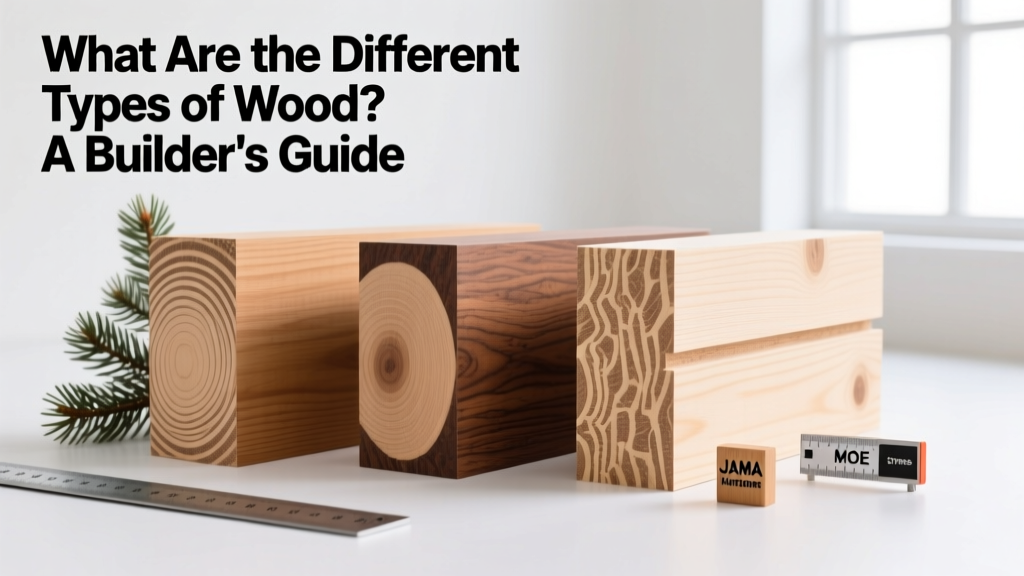
Wood & Lumber
What Are the Different Types of Wood? A Builder's Guide
Compare structural softwoods, finish hardwoods, and engineered lumber. Analyze Janka ratings, MOE values, and 2026 pricing for construction.
Aug 4, 2026
Walls & Panels
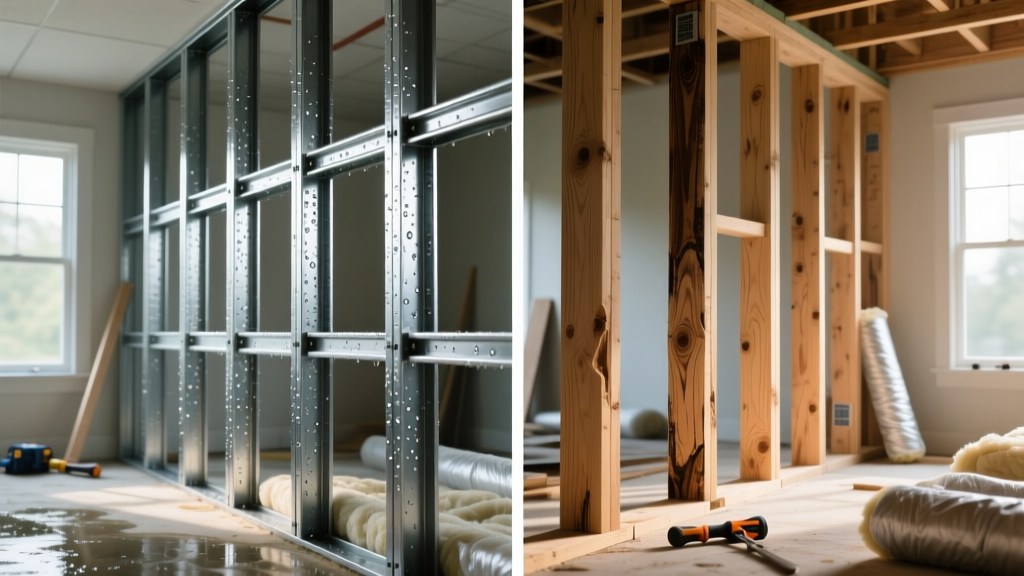
Steel Framing vs Wood Framing: Corrosion and Moisture Defense
Compare steel framing vs wood framing for moisture resistance. Learn about galvanized coatings, condensation risks, and corrosion protection strategies.
Jul 21, 2026

Stone & Masonry
How to Cut Stone Veneer: Wet Saw vs Grinder Comparison
Compare the best tools for cutting stone veneer. We review wet saws, angle grinders, and chop saws to help you achieve clean, chip-free cuts.
Jul 21, 2026