Cost to Build Home Calculator: Web Estimates vs. Real Builder Quotes
Compare cost to build home calculator estimates against real 2026 builder quotes. Discover where online tools overprice or underprice your custom build.
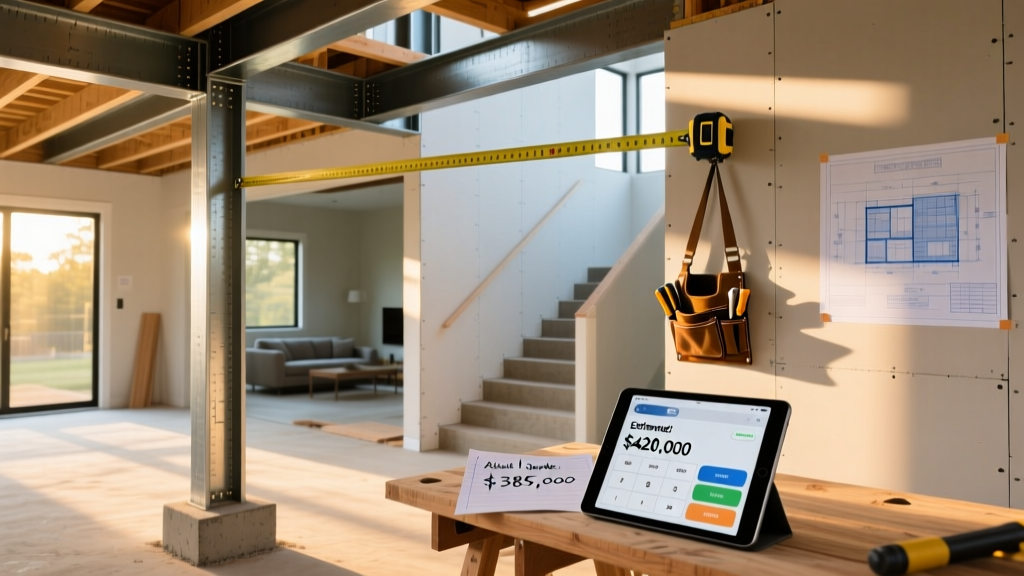
The Reality Gap: Why Calculators Miss the Mark
Online estimation tools rely on aggregated national databases, such as RSMeans data, to generate pricing models. While these algorithms provide a baseline, they inherently struggle with micro-market labor premiums, hyper-local permit fees, and the rapid material shifts defining the 2026 construction landscape. A standard cost to build home calculator assumes a frictionless supply chain and uniform labor availability—two conditions that rarely exist in modern residential development.
The primary failure point of these digital tools is their treatment of 'soft costs' and site-specific engineering. Calculators excel at multiplying the square footage of a roof by the current price of architectural shingles, but they frequently omit the geotechnical requirements, utility tap fees, and updated energy code compliance costs that dictate actual project viability. According to National Association of Home Builders (NAHB) industry analyses, soft costs and site preparation routinely account for 18% to 25% of total project expenditures, yet most basic web calculators cap these variables at under 10%.
Head-to-Head: Top Calculator Outputs vs. Actual 2026 Quotes
To measure the accuracy of digital estimation tools, we modeled a standardized residential project and compared the algorithmic outputs against hard bids from licensed general contractors.
The Baseline Scenario: A 2,500 sq. ft., single-story, 3-bedroom/2-bathroom stick-built home with a slab-on-grade foundation, mid-range finishes, and an attached 2-car garage, located in the Southeast United States (USDA Plant Hardiness Zone 8a).
| Estimation Method | Estimated Total | Cost Per Sq. Ft. | Variance from Actual |
|---|---|---|---|
| Basic Zip-Code Calculator (Low Detail) | $387,500 | $155 | - 22.5% |
| Itemized Material & Labor Calculator | $445,000 | $178 | - 11.0% |
| Custom Builder Hard Bid (Actual 2026) | $500,250 | $200.10 | Baseline |
Data from the U.S. Census Bureau Construction Data corroborates this divergence. While national averages suggest lower per-square-foot costs, regional labor deficits and 2026 material volatility push actual stick-built execution costs significantly higher than web-based projections. The basic zip-code calculator failed to account for the 18% overhead and profit (O&P) margin required by the builder, while the itemized calculator underestimated the cost of upgraded electrical switchgear, which currently faces 12-to-16-week lead times and severe price inflation.
The 'Soft Cost' Blindspot: What Algorithms Ignore
When a cost to build home calculator generates a $400,000 estimate, users often assume this figure covers the entirety of moving from raw land to a certificate of occupancy. In reality, the gap between the algorithm and the builder's quote is almost entirely composed of site-specific and administrative soft costs.
1. Geotechnical and Site Engineering
Calculators assume a perfectly flat, stable, and accessible lot. Real-world builds require soil borings to determine bearing capacity. If your soil requires over-excavation and the importation of structural fill, or if you need a $4,500 retaining wall to manage a 4% grade slope, the foundation costs will instantly eclipse the calculator's slab-on-grade baseline.
2. Utility Tap and Impact Fees
Municipalities levy impact fees to fund infrastructure expansion. In rapidly growing suburban corridors, water and sewer tap fees alone can range from $6,000 to $14,000 per connection. School and transportation impact fees can add another $3,000 to $8,000. Web tools rarely have access to real-time municipal fee schedules, leaving a massive hole in the preliminary budget.
3. The 2026 HVAC Refrigerant Transition
The EPA-mandated phase-down of R-410A refrigerant has fundamentally altered HVAC pricing. New systems utilizing R-454B or R-32 refrigerants, alongside updated leak-detection sensors and high-efficiency variable-speed compressors, cost 15% to 22% more than legacy models. Most online databases lag in reflecting this regulatory price hike.
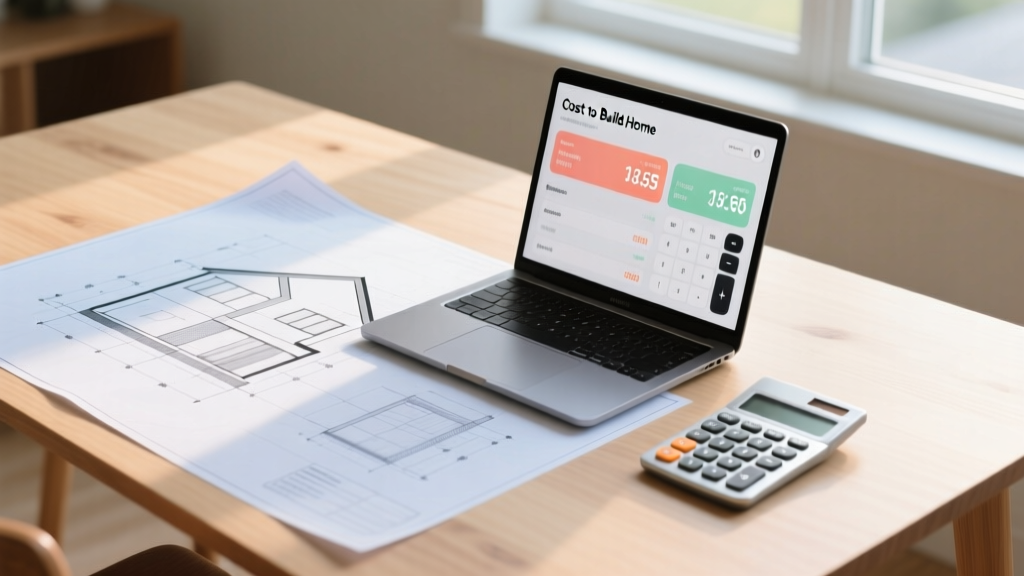
How to Calibrate Your Calculator Inputs for Accuracy
You can force a cost to build home calculator to yield a much tighter, more realistic estimate by manually overriding default inputs with localized 2026 data. Follow this calibration framework before running your final numbers:
- Override the Foundation Multiplier: If your lot is heavily wooded or features expansive clay soils, increase the default foundation cost by 35% to account for helical piers or deep grade beams.
- Adjust the Electrical Allowance: Manually increase the electrical rough-in and trim budget by 18%. This covers the premium for 200-amp to 400-amp service upgrades and the integration of smart-home infrastructure that modern code and buyer expectations demand.
- Apply the Builder O&P Multiplier: If the calculator provides a 'material and labor' total but lacks a specific field for General Contractor fees, multiply the final output by 1.18 to reflect standard industry overhead, insurance, and profit margins.
- Factor in Temporary Utilities: Add a flat $2,500 to your site-prep budget for temporary power poles, portable sanitation, and construction fencing, which are universally required by local inspectors but rarely itemized in basic software.
Decision Framework: When to Trust the Algorithm vs. The Pro
Understanding the operational limits of digital estimation tools dictates how you should use them during the project lifecycle.
Phase 1: Land Acquisition & Feasibility (Trust the Calculator)
When evaluating whether to purchase a vacant lot, a cost to build home calculator is the correct tool. By taking the algorithm's output and adding a strict 25% contingency buffer, you can quickly determine if the combined cost of land plus construction fits your financing ceiling. At this stage, speed and broad estimation are more valuable than down-to-the-stud accuracy.
Phase 2: Design Development & Financing (Call the Pro)
Once you own the land and are working with a draftsperson or architect, abandon the web calculators. Banks will not approve a construction loan based on an algorithmic printout. You must secure hard bids from at least three licensed general contractors who will perform a physical site walk, review the specific structural engineering plans, and provide a line-item Gantt chart tied to current 2026 material lead times.
Ultimately, a cost to build home calculator is a compass, not a map. It points you in the right financial direction and prevents catastrophic undercapitalization during the planning phase, but it cannot navigate the localized topography of modern building codes, labor shortages, and supply chain realities. Use the data to set your baseline, but rely on localized professional bids to finalize your capital stack.
Written by
Elena RodriguezElena Rodriguez is a civil engineer and technical writer specializing in concrete technology, masonry systems, and ASTM/ACI compliance. She earned her B.S. in Civil Engineering from Texas A&M University and spent a decade at a materials testing laboratory, performing over 2,000 concrete compressive strength tests and masonry prism evaluations. Elena is an ACI-certified Field Testing Technician (Grade I) and a member of ASTM Committee C12 on Natural Building Stone. She currently consults on forensic engineering cases involving concrete failures and moisture intrusion. Based in San Antonio, TX, Elena is a proud member of the Society of Women Engineers (SWE) and coaches her daughter's FIRST Robotics team.
More from Elena Rodriguez
View all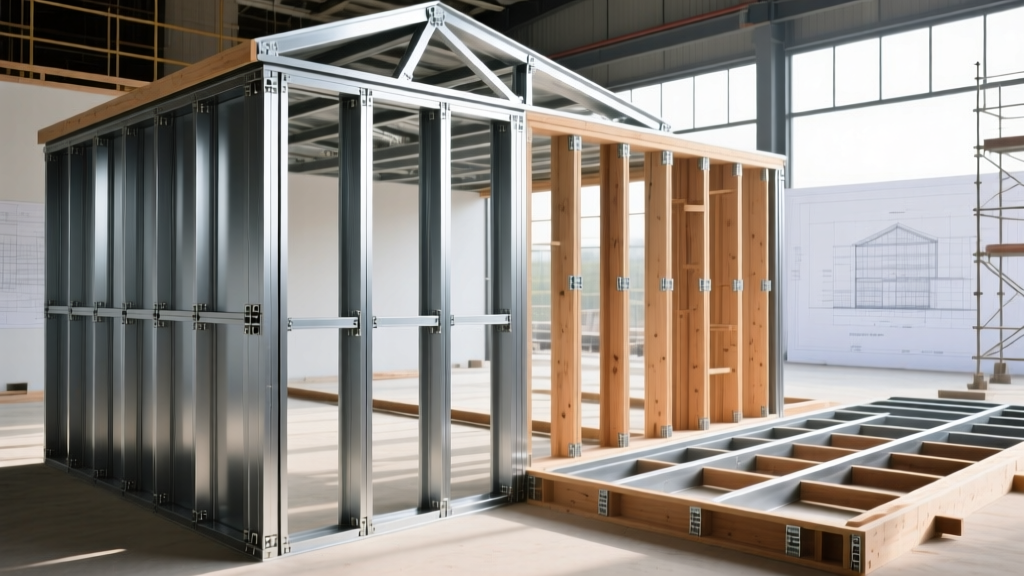
Walls & Panels
Cost Analysis: Light Gauge Steel Framing Advantages and Disadvantages
Evaluate light gauge steel framing advantages and disadvantages through a strict cost analysis lens, comparing material, labor, and lifecycle expenses.
Aug 4, 2026
Walls & Panels
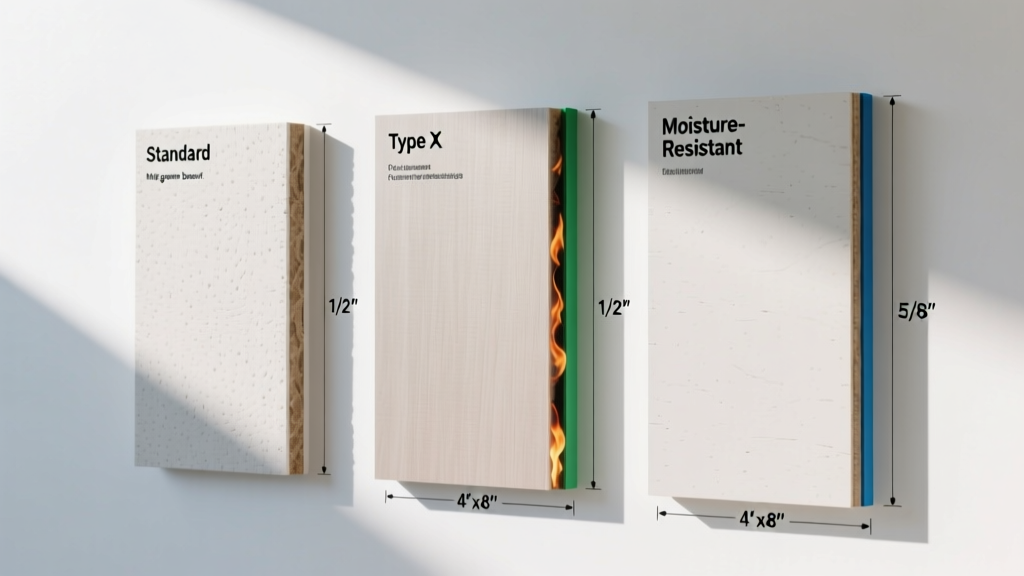
Gypsum Board Types: Exact Specifications, Thickness & Dimensions
Compare standard, Type X, and moisture-resistant gypsum board types. Get exact specifications, thicknesses, dimensions, and ASTM standards for your project.
Aug 4, 2026
Fire Resistance
Best Fire-Resistant Outdoor Decking Materials: 2026 Buyer Guide
Discover the best fire-resistant outdoor decking materials for 2026. Compare Class A PVC, aluminum, and hardwood options for WUI compliance and safety.
Aug 4, 2026