Average Cost to Build a Gaming Computer in 2026: Detailed Breakdown
Discover the average cost to build a gaming computer in 2026. Get a detailed component breakdown, pricing tiers, and expert hardware selection advice.
The 2026 Hardware Landscape: What Drives PC Build Costs
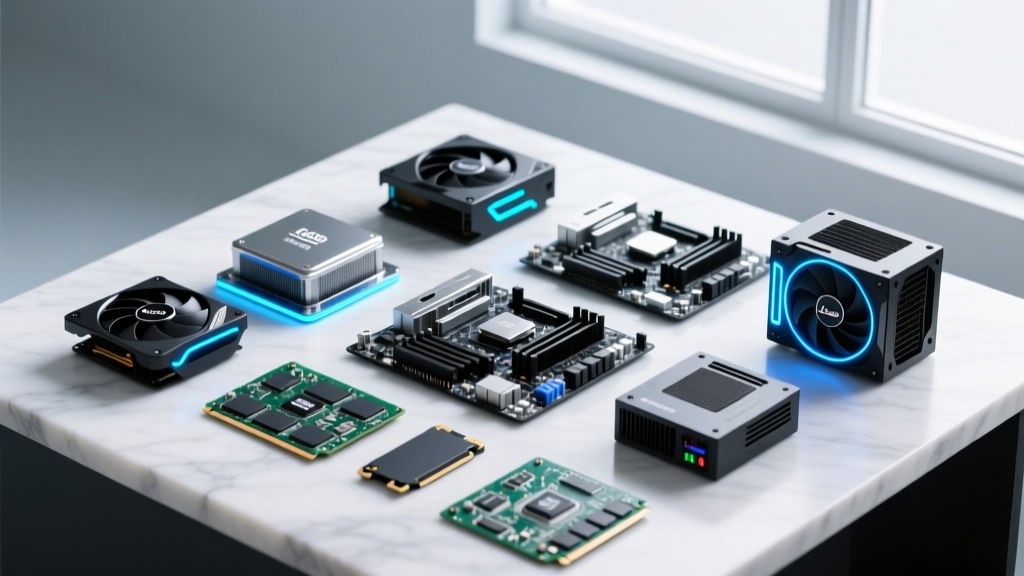
Estimating the average cost to build a gaming computer requires treating the system like a micro-construction project. The motherboard serves as the structural foundation, the power supply unit (PSU) acts as the electrical grid, and the graphics processing unit (GPU) functions as the primary aesthetic and performance facade. In 2026, the baseline cost for a capable mid-range gaming build hovers between $1,600 and $2,200, driven by the maturation of DDR5 memory, the widespread adoption of PCIe 5.0 interfaces, and the transition to ATX 3.1 power supply standards.
Unlike previous generations where adapter cables were required for high-draw GPUs, modern ATX 3.1 PSUs natively feature the 12V-2x6 connector, reducing fire risks and cable clutter. Furthermore, while PCIe 5.0 NVMe solid-state drives are available, real-world gaming load times show negligible improvement over PCIe 4.0 drives, making Gen4 storage the most cost-effective material choice for current builds. According to hardware analysis by Tom's Hardware, the GPU continues to command the largest share of the total bill of materials (BOM), typically absorbing 35% to 45% of the total budget.
Bill of Materials: Mid-Range 1440p Build Matrix
The following BOM represents the optimal price-to-performance ratio for 1440p high-refresh-rate gaming in 2026. This configuration targets 100+ FPS in heavily ray-traced titles utilizing modern upscaling technologies.
| Component Category | 2026 Specification / Model Target | Est. Unit Cost | BOM % |
|---|---|---|---|
| Graphics Card (GPU) | NVIDIA GeForce RTX 5070 Ti (16GB) or AMD Radeon RX 9800 XT | $799 | 39% |
| Processor (CPU) | AMD Ryzen 7 9800X3D (8-Core, 3D V-Cache) | $499 | 24% |
| Motherboard | B650E ATX (PCIe 5.0 GPU slot, WiFi 7) | $220 | 11% |
| Memory (RAM) | 32GB (2x16GB) DDR5-6000 CL30 | $115 | 6% |
| Storage | 2TB PCIe 4.0 NVMe M.2 SSD (e.g., WD Black SN850X) | $130 | 6% |
| Power Supply (PSU) | 850W 80+ Gold ATX 3.1 (Native 12V-2x6) | $135 | 7% |
| Chassis & Cooling | Mid-Tower ATX w/ 4x 140mm Fans + Dual-Tower Air Cooler | $155 | 7% |
| Total Estimated Material Cost | $2,053 | 100% | |
Tiered Cost Projections by Resolution Target
The average cost to build a gaming computer fluctuates wildly based on the target display resolution. Pushing pixels at 4K requires exponentially more graphical compute power than 1080p, necessitating a structural shift in the BOM.
Entry-Level (1080p / 60-120 FPS): $850 – $1,100
- Core Philosophy: Maximize GPU spend while utilizing budget-tier CPUs and B650/B760 motherboards without premium heatsinks.
- Target Hardware: Intel Core i5-14400F or AMD Ryzen 5 7600 paired with an NVIDIA RTX 4060 or AMD RX 7600.
- Compromises: 16GB RAM (minimum for modern titles), 1TB Gen3/Gen4 SSD, non-modular or semi-modular power supplies, and basic chassis airflow.
Mid-Range (1440p / 144+ FPS): $1,600 – $2,200
- Core Philosophy: The sweet spot for modern gaming. Balances high-refresh-rate capabilities with longevity.
- Target Hardware: AMD Ryzen 7 9800X3D or Intel Core Ultra 7 paired with an RTX 5070 / RX 9800 XT.
- Upgrades: 32GB DDR5 RAM, 2TB high-endurance NVMe storage, fully modular ATX 3.1 PSUs, and high-airflow cases with included premium fans.
Enthusiast (4K / VR / Uncompromised Ray Tracing): $3,200 – $4,500+
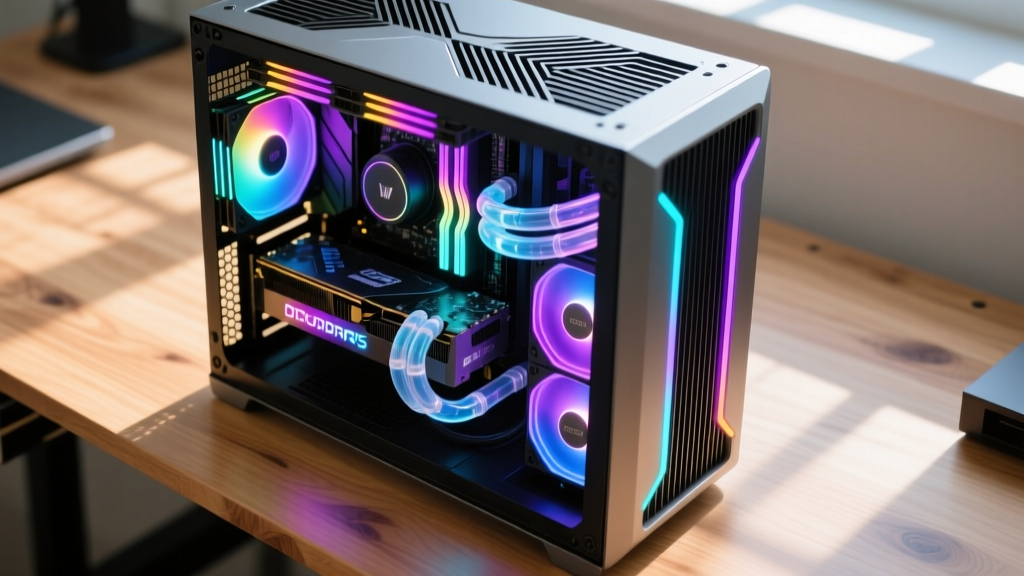
- Core Philosophy: Zero bottlenecks. Prioritizes top-tier silicon, custom liquid cooling loops, and premium aesthetic materials.
- Target Hardware: AMD Ryzen 9 9950X3D or Intel Core Ultra 9 paired with an NVIDIA RTX 5090 (24GB+ VRAM).
- Upgrades: 64GB+ DDR5-7200+ RAM, PCIe 5.0 Gen5 NVMe storage (4TB+), 1200W+ Titanium-rated PSUs, and custom water-cooling distribution plates.
Strategic Allocation: Where to Spend and Where to Save
When estimating construction costs for a custom PC, misallocating funds is the most common failure mode. Use the following framework to optimize your budget.
Invest Heavily (Spend)
- Power Supply: A failing PSU can destroy every other component. Buy 80+ Gold or higher from Tier-A manufacturers (e.g., Corsair, Seasonic, be quiet!).
- GPU: The primary driver of visual fidelity and frame rates.
- CPU Cooler: Thermal throttling destroys performance. Ensure the cooler's TDP rating exceeds your CPU's max turbo draw by at least 30%.
Cost-Optimize (Save)
- Motherboard Aesthetics: Built-in LCD screens and excessive RGB on a motherboard add $100+ without yielding a single extra FPS.
- PCIe 5.0 SSDs: Gen5 drives run hot and require massive heatsinks. Gen4 drives offer 95% of the real-world gaming performance for half the cost.
- CPU Cores: Games rarely utilize more than 8 cores. Buying a 16-core CPU for a dedicated gaming rig is wasted capital.
Assembly Overheads and Hidden Costs
The component BOM rarely accounts for the total out-of-pocket expense. First-time builders frequently underestimate the auxiliary materials required to complete the project. According to build aggregators like PCPartPicker, failing to account for software and assembly tools can inflate the final invoice by 10% to 15%.
"A bare-bones hardware list is just the foundation. The operational overhead—licensing, thermal interface materials, and cable management accessories—must be factored into the initial estimate to prevent budget overruns."
The Auxiliary Materials Checklist
- Operating System License: Windows 11 Home OEM licenses retail for $139 directly from Microsoft, though authorized system builder keys can be sourced for $20–$40. Factor in $30 for a reliable USB flash drive for installation media.
- Thermal Interface Material (TIM): While most modern air and liquid coolers include pre-applied paste, keeping a tube of high-performance thermal compound (e.g., Thermal Grizzly Kryonaut or Arctic MX-6) on hand for remounting costs $12–$18.
- Cable Management: Magnetic cable combs, Velcro ties, and custom-sleeved 12V-2x6 extension cables improve airflow and aesthetics. Budget $35–$60 for premium cable kits.
- ESD Protection & Tools: An anti-static wrist strap ($8) and a precision magnetic screwdriver kit with M3 and M4 bits ($25) are mandatory for safe assembly.
Frequently Asked Questions
Is it cheaper to build or buy a pre-built gaming PC in 2026?
Building your own PC generally yields a 15% to 25% cost savings compared to pre-built systems with identical specifications. More importantly, a custom build ensures high-quality foundational components (like the PSU and motherboard) that pre-built integrators often downgrade to cut costs and maintain profit margins. For deep technical comparisons on system integrators versus custom builds, refer to the Intel Desktop Build Guide for foundational architecture principles.
How long will a $2,000 mid-range build last before requiring upgrades?
A properly balanced $2,000 build targeting 1440p in 2026 will comfortably sustain 60+ FPS in AAA titles for 4 to 5 years. The primary upgrade path will likely be the GPU, which is why securing a motherboard with a reinforced PCIe slot and a PSU with at least 20% overhead wattage capacity is critical for future-proofing the structural foundation of the rig.
Written by
Elena RodriguezElena Rodriguez is a civil engineer and technical writer specializing in concrete technology, masonry systems, and ASTM/ACI compliance. She earned her B.S. in Civil Engineering from Texas A&M University and spent a decade at a materials testing laboratory, performing over 2,000 concrete compressive strength tests and masonry prism evaluations. Elena is an ACI-certified Field Testing Technician (Grade I) and a member of ASTM Committee C12 on Natural Building Stone. She currently consults on forensic engineering cases involving concrete failures and moisture intrusion. Based in San Antonio, TX, Elena is a proud member of the Society of Women Engineers (SWE) and coaches her daughter's FIRST Robotics team.
More from Elena Rodriguez
View all
Walls & Panels
Cost Analysis: Light Gauge Steel Framing Advantages and Disadvantages
Evaluate light gauge steel framing advantages and disadvantages through a strict cost analysis lens, comparing material, labor, and lifecycle expenses.
Aug 4, 2026
Walls & Panels
Gypsum Board Types: Exact Specifications, Thickness & Dimensions
Compare standard, Type X, and moisture-resistant gypsum board types. Get exact specifications, thicknesses, dimensions, and ASTM standards for your project.
Aug 4, 2026
Fire Resistance
Best Fire-Resistant Outdoor Decking Materials: 2026 Buyer Guide
Discover the best fire-resistant outdoor decking materials for 2026. Compare Class A PVC, aluminum, and hardwood options for WUI compliance and safety.
Aug 4, 2026