Calculate the Cost to Build a Gaming PC by Performance Scope
Calculate the exact cost to build a gaming PC in 2026. Compare component pricing across 1080p, 1440p, and 4K performance scopes with our sizing guide.
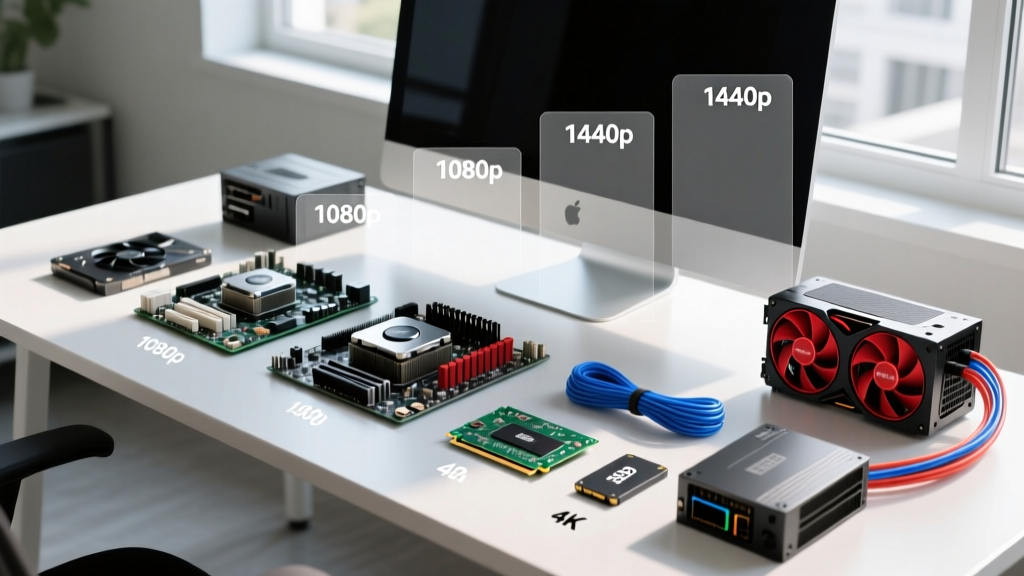
The "Size & Scope" Framework for PC Building
Estimating the cost to build a gaming PC requires the same rigorous scoping methodology used in commercial construction. In physical building, square footage and finish grades dictate the budget. In PC architecture, target resolution is your square footage, and refresh rate represents your finish grade. Attempting to build a 4K gaming rig without scoping the necessary GPU VRAM and power delivery is akin to framing a house without verifying the foundation's load-bearing capacity. By treating your component list as a Bill of Materials (BOM) and categorizing builds by performance scope, you can accurately forecast the true cost to build a gaming PC in 2026 without falling victim to bottlenecking or overspending on diminishing returns.
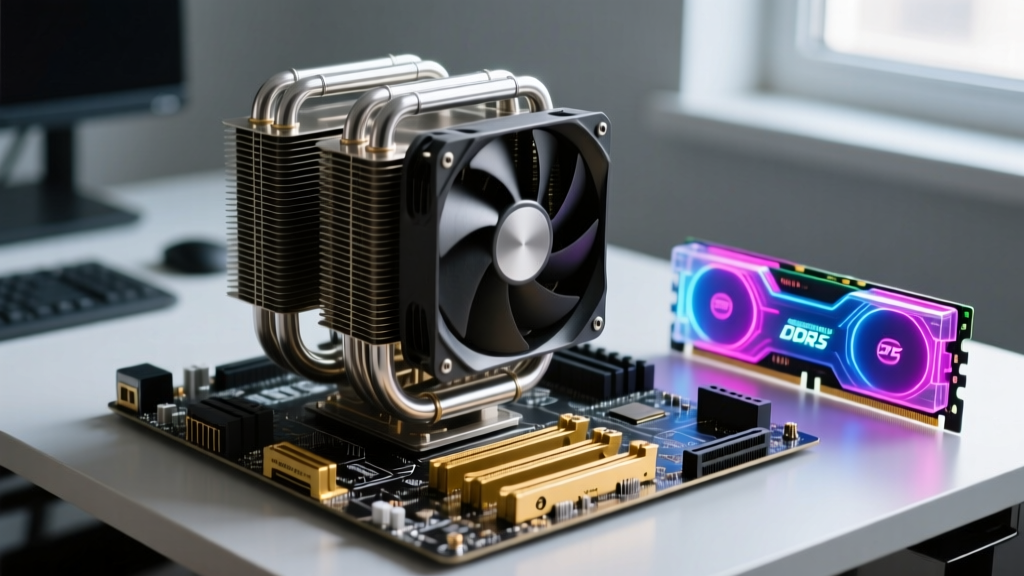
Tier 1: The 1080p "Starter Home" Scope ($850 - $1,150)
The 1080p resolution at 144Hz represents the entry-level footprint. The primary objective here is maximizing frame rates without over-investing in silicon that the monitor cannot utilize. In 2026, the budget sector has shifted entirely to DDR5 platforms, making older AM4 and LGA1700 motherboards obsolete for new builds due to memory bandwidth limitations in modern game engines.
1080p Bill of Materials (BOM)
| Component | Specification (2026 Standard) | Est. Cost |
|---|---|---|
| CPU | AMD Ryzen 5 9600X (6-Core, Zen 5) | $229 |
| GPU | NVIDIA RTX 5060 (8GB GDDR7) or AMD RX 8600 XT | $299 |
| Motherboard | B650M Micro-ATX (DDR5, PCIe 4.0) | $135 |
| RAM | 32GB (2x16GB) DDR5-6000 CL30 | $95 |
| Storage | 1TB PCIe 4.0 NVMe SSD (e.g., WD Black SN850X) | $85 |
| PSU | 650W 80+ Bronze (ATX 3.0 compliant) | $75 |
| Case & Cooling | Micro-ATX Tower + Single-Tower Air Cooler | $110 |
Scope Warning: Do not pair an 8GB VRAM GPU with a 1080p 240Hz monitor for modern AAA titles. Texture streaming in Unreal Engine 5 titles routinely exceeds 8GB buffers, causing micro-stutters that ruin the high-refresh experience. If your target is competitive esports (Valorant, CS2), this BOM is perfectly scoped.
Tier 2: The 1440p "Mid-Size Build" Scope ($1,500 - $2,100)
1440p at 165Hz+ is the current industry sweet spot, offering the best balance of pixel density and GPU rendering cost. Sizing a build for this scope requires careful attention to the CPU-to-GPU ratio. A common estimating error is overspending on the CPU while under-scoping the GPU. According to hardware benchmarking data from Tom's Hardware's GPU hierarchy, the GPU should command 45% to 55% of your total BOM budget at this tier.
Architectural Bottleneck Check
When sizing for 1440p, ensure your motherboard's VRM (Voltage Regulator Module) can sustain continuous loads. A minimum 12+2 phase VRM with 50A power stages is required to sustain boost clocks on mid-tier CPUs without thermal throttling. Pairing a high-end CPU with a budget H610 or entry-level A620 board will result in severe voltage droop under gaming loads.
Optimal 1440p Component Matrix
- CPU: AMD Ryzen 7 9800X3D. The 3D V-Cache architecture eliminates CPU-side bottlenecks at 1440p, ensuring 1% low frame rates remain stable.
- GPU: NVIDIA RTX 5070 Ti (16GB) or AMD Radeon RX 8800 XT (16GB). 16GB of VRAM is the hard minimum for 1440p Ultra settings in 2026.
- RAM: 32GB DDR5-6000 CL30. Do not overpay for DDR5-7200+ kits; AMD's Infinity Fabric sweet spot remains tightly coupled to 6000MHz for optimal latency.
- Storage: 2TB PCIe 4.0 NVMe. DirectStorage API adoption means storage read speeds directly impact level load times and texture pop-in.
Tier 3: The 4K "Custom Estate" Scope ($2,800 - $4,000+)
Building for 4K at 120Hz+ with path tracing enabled is the equivalent of a custom luxury estate build. Material costs scale exponentially at this tier, and thermal management becomes a primary engineering constraint. At 4K, the workload shifts almost entirely to the GPU, meaning you can actually downsize the CPU slightly compared to the 1440p tier without losing performance, reallocating those funds to the graphics subsystem.
The 4K Bill of Materials
| Subsystem | Required Specification | Est. Cost |
|---|---|---|
| Graphics (GPU) | NVIDIA RTX 5090 (32GB GDDR7) or RTX 5080 (16GB) | $999 - $1,799 |
| Compute (CPU) | Intel Core Ultra 9 285K or AMD Ryzen 9 9950X | $450 - $550 |
| Memory | 64GB (2x32GB) DDR5-6400 CL32 | $210 |
| Storage | 4TB PCIe Gen 5.0 NVMe (e.g., Crucial T705) | $320 |
| Motherboard | X870E or Z890 ATX (PCIe 5.0 x16 slot, 10G LAN) | $350 |
| Thermal (HVAC) | 360mm AIO Liquid Cooler or Custom Loop | $180 - $450 |
At this scope, PCIe Gen 5.0 storage becomes relevant. While Gen 4 drives cap at ~7,400 MB/s, Gen 5 drives push past 14,000 MB/s. However, Gen 5 NVMe drives generate immense heat. You must factor in the cost of dedicated M.2 heatsinks or motherboard integrated thermal armor to prevent the drive controller from thermal throttling during sustained game asset extraction.
Infrastructure Sizing: Power Delivery and Cooling
No construction project passes inspection without a properly sized electrical panel and HVAC system. In PC building, this translates to the Power Supply Unit (PSU) and thermal dissipation.
The Electrical Panel: ATX 3.1 and Transient Spikes
Modern GPUs experience transient power spikes that can exceed their rated TDP by up to 300% for milliseconds. If your PSU's over-current protection (OCP) is too sensitive, the system will shut down under load. When calculating the cost to build a gaming PC, never compromise on the power supply. According to Tom's Hardware's PSU testing methodology, you must select an ATX 3.1 compliant unit. The ATX 3.1 standard mandates the revised 12V-2x6 connector, which features shorter sense pins to prevent power delivery if the cable is not fully seated, entirely eliminating the melting hazards associated with early 12VHPWR implementations.
Rule of Thumb for PSU Sizing: Take the combined TDP of your CPU and GPU, add 150W for the rest of the system (motherboard, RAM, fans, SSDs), and multiply by 1.5. This ensures the PSU operates at roughly 50-60% load, which is the peak efficiency curve for most 80+ Gold and Titanium units.
The HVAC System: Airflow vs. Static Pressure
Cooling is not just about the CPU block; it is about chassis airflow dynamics.
- Intake (Static Pressure): Use high-static pressure fans (e.g., 120mm or 140mm with thick, angled blades) for front and bottom intakes, especially if pulling air through dust filters or thick radiators.
- Exhaust (Airflow): Use high-airflow fans (thinner blades, higher RPM) for rear and top exhaust to rapidly evacuate hot air from the VRM and GPU zones.
Hidden "Permit & Labor" Costs
When using a system builder calculator, enthusiasts frequently forget the peripheral and software costs required to make the machine functional. Factor these into your final scope estimate:
- Operating System: A retail Windows 11 Pro license costs ~$199, though OEM keys can be sourced for less. Linux distributions (like Bazzite or Nobara) offer a $0 alternative with excellent Proton gaming compatibility.
- Thermal Interface Material (TIM): Factory-applied paste is often suboptimal. Budget $12 for a tube of Honeywell PTM7950 phase-change material, which outperforms traditional pastes and eliminates pump-out degradation over multi-year thermal cycles.
- Cable Management & Extensions: If utilizing a glass-side panel, custom sleeved cable extensions (Lian Li Strimer or CableMod) add $60-$120 to the BOM but significantly improve interior aesthetics and airflow routing.
By treating your gaming PC build as a structured construction project with defined scopes, material requirements, and infrastructure dependencies, you eliminate guesswork. Whether you are framing a 1080p budget build or engineering a 4K path-tracing powerhouse, precise scoping ensures every dollar spent translates directly to on-screen performance.
Written by
Marcus ChenMarcus Chen is a licensed structural engineer (PE) and building materials analyst with over 12 years of experience across residential, commercial, and industrial construction. He holds a Master of Science in Civil Engineering from UC Berkeley and spent six years at Thornton Tomasetti before transitioning to independent consulting and technical writing. Marcus specializes in material selection for seismic-prone regions, concrete reinforcement strategies, and lifecycle cost analysis. His work has been cited by the American Concrete Institute (ACI) and the Structural Engineers Association of California (SEAOC). When he is not on a job site or at his desk, you will find him hiking the Sierra Nevada or restoring a 1920s craftsman bungalow in Oakland, CA.
More from Marcus Chen
View all
Construction Cost
How Much Did the Eiffel Tower Cost to Build?
How much did the Eiffel Tower cost to build in 1889? We adjust for inflation and compare its budget to modern skyscraper construction.
Aug 4, 2026
Fire Resistance
What Is a Fire Resistant Material? Testing & Certification Guide
Discover what is a fire resistant material through ASTM and UL testing. Learn how fire ratings, certifications, and assemblies work in construction.
Aug 4, 2026

Construction Cost
How Much Did the Burj Khalifa Cost to Build?
How much did the Burj Khalifa cost to build? We break down the $1.5B project and extract 5 money-saving strategies for your next build.
Jul 30, 2026