How Much Does It Cost to Build a Good PC in 2026?
Discover exactly how much it costs to build a good PC in 2026. Detailed Bill of Materials, component pricing, and tier breakdowns for every budget.
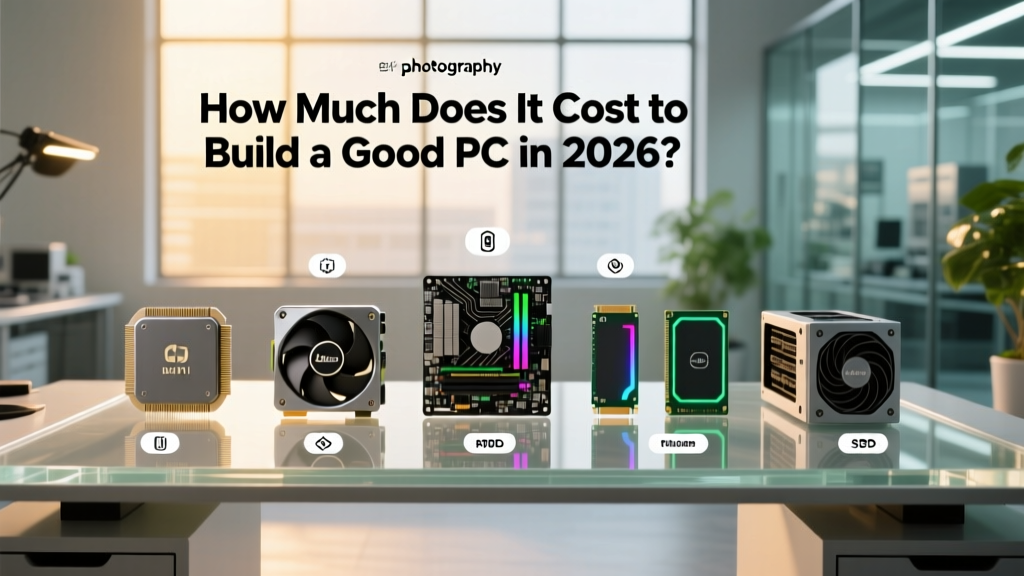
The 2026 PC Construction Bill of Materials (BOM)
Estimating the cost of a custom desktop computer requires the same rigorous Bill of Materials (BOM) approach used in commercial construction. You are essentially building a micro-facility: it requires a structural foundation (motherboard), a central processing plant (CPU), high-speed transit lines (PCIe/NVMe), a power grid (PSU), and an HVAC system (cooling). In 2026, the definition of a 'good' PC has shifted. With the normalization of ray tracing, AI-driven upscaling (like DLSS 4 and FSR 4), and background neural processing, the baseline for a high-performance machine has moved upward.
To answer the core question: how much does it cost to build a good pc in the current market? A highly capable mid-range 1440p system costs between $1,250 and $1,450. A premium, uncompromising 4K enthusiast build ranges from $2,100 to $2,500. Below is the detailed cost estimating breakdown for both tiers, utilizing current 2026 hardware pricing and availability metrics.
Tier 1: The Mid-Range Workhorse ($1,345)
This tier targets the 'sweet spot' of price-to-performance. It is designed to deliver 100+ FPS at 1440p resolution on maximum settings in modern AAA titles, while handling heavy multitasking and local AI workloads without bottlenecking.
| Component Category | Selected Material / Model | Est. Cost |
|---|---|---|
| CPU (Processor) | AMD Ryzen 5 9600X (6-Core, Zen 5) | $240 |
| GPU (Graphics) | NVIDIA RTX 4070 Super (12GB) or AMD RX 7800 XT | $550 |
| Motherboard | B650 ATX (DDR5, PCIe 4.0/5.0) | $160 |
| RAM (Memory) | 32GB (2x16GB) DDR5-6000 CL30 | $105 |
| Storage | 2TB WD Black SN850X (PCIe Gen4 NVMe) | $140 |
| Power Supply | 750W 80+ Gold, ATX 3.0 Compliant | $100 |
| Cooling (HVAC) | Thermalright Peerless Assassin 120 SE (Dual Tower) | $35 |
| Chassis (Case) | Corsair 4000D Airflow (Mid-Tower) | $95 |
| Total Estimated Base Cost | $1,425 | |
According to extensive benchmarking databases tracked by PCPartPicker's system guides, the DDR5-6000 CL30 memory configuration remains the absolute sweet spot for AMD's Zen 5 architecture, providing the optimal Infinity Clock (FCLK) synchronization without paying the premium for tighter timings that yield diminishing returns.
Tier 2: The High-End Enthusiast Build ($2,380)
This tier is engineered for 4K gaming at high refresh rates, heavy 3D rendering, and local Large Language Model (LLM) inference. The budget expands significantly here due to the non-linear cost scaling of top-tier silicon and advanced power delivery requirements.
| Component Category | Selected Material / Model | Est. Cost |
|---|---|---|
| CPU (Processor) | AMD Ryzen 7 9800X3D (8-Core, 3D V-Cache) | $450 |
| GPU (Graphics) | NVIDIA RTX 5070 Ti (16GB GDDR7) | $799 |
| Motherboard | X870E ATX (USB4, PCIe 5.0 x16 & M.2) | $310 |
| RAM (Memory) | 64GB (2x32GB) DDR5-6400 CL32 | $220 |
| Storage | 2TB Crucial T705 (PCIe Gen5 NVMe) | $210 |
| Power Supply | 1000W 80+ Platinum, ATX 3.1 (12V-2x6) | $190 |
| Cooling (HVAC) | Arctic Liquid Freezer III 360mm AIO | $120 |
| Chassis (Case) | Lian Li Lancool 216 (High-Airflow Mid-Tower) | $110 |
| Total Estimated Base Cost | $2,409 | |
When selecting the top-tier CPU, the 3D V-Cache architecture remains the undisputed leader for gaming latency. For a comprehensive look at how these processors stack up in frame-time consistency, refer to the best gaming CPU hierarchy maintained by Tom's Hardware, which regularly updates benchmark data for silicon microarchitectures.
Structural Infrastructure: Power and Thermal Dynamics
Novice builders often treat the Power Supply Unit (PSU) and case cooling as afterthoughts, allocating budget toward the GPU instead. In professional cost estimating, infrastructure failure leads to catastrophic project delays. The same applies to PC building.
The ATX 3.1 and 12V-2x6 Mandate
In 2026, specifying an ATX 3.1 compliant power supply is non-negotiable for high-end builds. Modern GPUs experience transient power spikes that can exceed their rated Total Graphics Power (TGP) by up to 200% for milliseconds. Older ATX 2.0 power supplies will trip their over-current protection (OCP) and shut down the system under these loads. Furthermore, the updated 12V-2x6 connector (the revised standard replacing the problematic 12VHPWR) features shorter sense pins that physically prevent the GPU from drawing power if the cable is not fully seated, eliminating the melting hazards seen in early 2023/2024 hardware generations.
PCIe Gen5 Storage Thermals
If your BOM includes a PCIe Gen5 NVMe drive (like the Crucial T705), you must account for thermal mitigation. Gen5 controllers operate at extreme temperatures and will aggressively throttle read/write speeds if they exceed 75°C. Ensure your X870E or Z890 motherboard features massive, integrated M.2 heatsinks, or budget an additional $25 for an active-cooling M.2 heatsink with a dedicated micro-fan.
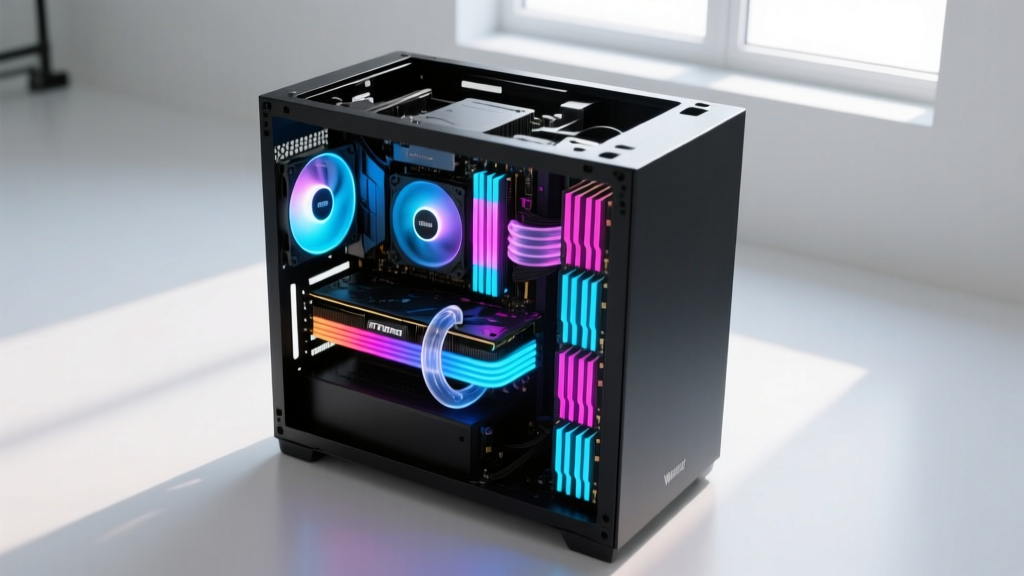
Hidden Costs and 'Change Orders'
A common flaw in amateur estimating is ignoring the secondary materials required to complete the build. Budget for the following 'change orders' to prevent mid-project funding shortfalls:
- Operating System License: A legitimate Windows 11 Pro OEM license costs approximately $140. (Avoid grey-market $15 keys, which are frequently tied to compromised enterprise volume licensing and can be revoked by Microsoft).
- Thermal Interface Material (TIM): While most coolers include pre-applied paste, upgrading to a high-viscosity compound like Thermal Grizzly Kryonaut Extreme ($15) prevents pump-out degradation over multi-year thermal cycles.
- Cable Management & Extensions: If utilizing a glass-side panel chassis, custom sleeved cable extensions (e.g., CableMod Pro Series) cost $70-$100. Standard PSU cables are often too stiff or short for optimal routing in modern dual-chamber cases.
- High-Bandwidth Display Cables: To utilize 4K at 144Hz+ or 1440p at 360Hz, you need a certified DisplayPort 2.1 cable. Budget $25 for a VESA-certified cable to prevent signal dropping and black screens.
Sourcing Strategy: Procurement and Timing
Component pricing is highly volatile and tied to semiconductor yield rates and global logistics. To optimize your BOM costs:
- Avoid Launch Windows: Never buy a GPU or CPU in the first 60 days of its release. Scalper premiums and artificial scarcity inflate prices by 20-30%. Wait for the secondary market to flood and retail stock to stabilize.
- Leverage Micro Center Bundles: If you live near a Micro Center, their in-store CPU/Motherboard/RAM bundles frequently offer $150-$200 in combined discounts that online retailers cannot match due to shipping margins.
- Monitor Flash Sales on Case/PSU Combos: Manufacturers like Corsair and Lian Li frequently bundle cases with their proprietary AIO coolers or PSUs at a 25% discount during seasonal sales events.
Frequently Asked Estimating Questions
Is it cheaper to build a PC or buy a pre-built in 2026?
Building your own PC typically saves 15% to 25% compared to a pre-built system with identical specifications. More importantly, self-building ensures high-quality infrastructure. System integrators frequently cut costs on 'invisible' components like the power supply and motherboard VRMs to advertise a lower headline price, leading to premature hardware failure and thermal throttling.
How much does it cost to build a good PC strictly for productivity?
If your workload is video editing, 3D CAD, or code compilation rather than gaming, you can reallocate funds from the GPU to the CPU and RAM. Swapping an $800 RTX 5070 Ti for a $300 RTX 4060 and upgrading to a 16-core Ryzen 9 9950X ($550) alongside 128GB of RAM will yield a vastly superior productivity workstation for roughly the same $2,400 total budget.
Should I wait for prices to drop?
Silicon pricing rarely drops significantly until the next architectural generation is announced. If you need a machine now, build it now. The opportunity cost of lost productivity or entertainment over 12 months of 'waiting' almost always outweighs the marginal 5-10% price depreciation of current-generation hardware.
Written by
Sarah WhitfieldSarah Whitfield is a chartered quantity surveyor (MRICS) and construction cost analyst with 15 years of experience in material pricing, procurement strategy, and project budgeting. She earned her degree in Construction Management from the University of Reading (UK) and has worked on projects ranging from $2M custom homes to $180M mixed-use developments across North America and Europe. Sarah currently leads cost estimating for BuildMat Insight, maintaining a proprietary database of 4,000+ material price points updated quarterly. She is a frequent contributor to RSMeans cost data panels and has presented at the International Cost Engineering Council (ICEC) congress. Based in Denver, CO, Sarah is an avid trail runner and volunteer mentor for Women in Construction.
More from Sarah Whitfield
View all
Wood & Lumber
What Are the Different Types of Wood? A Builder's Guide
Compare structural softwoods, finish hardwoods, and engineered lumber. Analyze Janka ratings, MOE values, and 2026 pricing for construction.
Aug 4, 2026
Walls & Panels
Steel Framing vs Wood Framing: Corrosion and Moisture Defense
Compare steel framing vs wood framing for moisture resistance. Learn about galvanized coatings, condensation risks, and corrosion protection strategies.
Jul 21, 2026
Stone & Masonry
How to Cut Stone Veneer: Wet Saw vs Grinder Comparison
Compare the best tools for cutting stone veneer. We review wet saws, angle grinders, and chop saws to help you achieve clean, chip-free cuts.
Jul 21, 2026