How to Use Building Materials Photos for QA and 3D Renders
Learn how to capture, calibrate, and apply building materials photos for BIM integration, 3D rendering, and on-site procurement quality assurance.
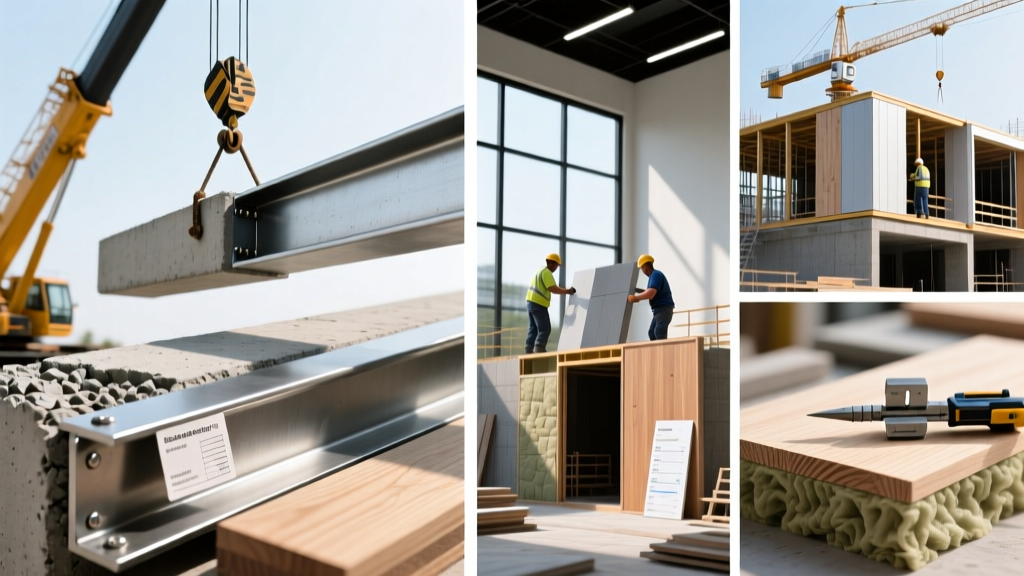
The Technical Baseline: Why Stock Imagery Fails Modern QA
In precision construction and architectural visualization, relying on generic stock imagery for material specifications introduces severe downstream risks. When architects and procurement managers utilize high-fidelity building materials photos captured directly from approved submittals or site deliveries, they bridge the gap between digital design and physical reality. Generic manufacturer photos are often heavily edited, color-corrected, and stripped of natural texture variations. This masks critical physical properties like the porosity of architectural concrete, the micro-fissures in natural stone veneer, or the exact grain orientation of structural timber.
By establishing a rigorous protocol for capturing and processing site-specific material photography, project teams can generate accurate Physically Based Rendering (PBR) maps for digital twins while simultaneously creating an immutable visual baseline for on-site Quality Assurance (QA). This dual-application workflow is now a standard requirement in advanced 2026 Building Information Modeling (BIM) execution plans.
Hardware and Calibration Protocols for Material Capture
Capturing calibration-grade building materials photos requires moving beyond standard smartphone documentation. The goal is to capture the true albedo (base color) and micro-geometry of the material without environmental interference.
1. Cross-Polarization Lighting
When photographing reflective materials like glazed ceramic tile, polished terrazzo, or sealed hardwood, specular highlights destroy texture data. To eliminate this, employ cross-polarization. Place linear polarizing film over your strobe lights and attach a Circular Polarizer (CPL) filter to your camera lens, rotating it 90 degrees relative to the light polarization. This completely cancels out surface reflections, allowing the camera sensor to capture only the diffuse color and subsurface scattering of the material.
2. Color Calibration and Metamerism
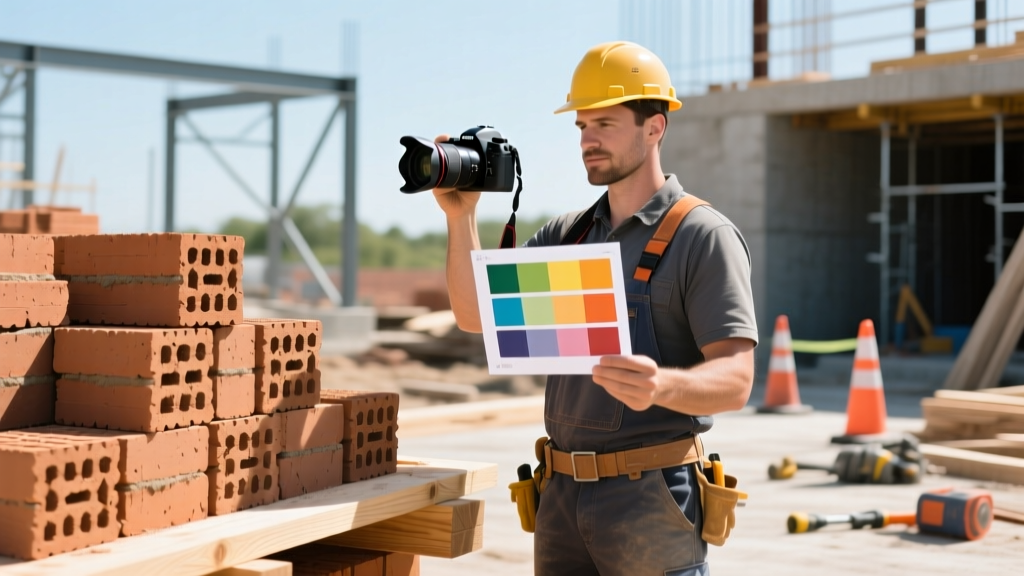
Metamerism occurs when two materials appear to match under one light source (e.g., 5000K daylight on the job site) but clash under another (e.g., 3000K interior LEDs). To prevent this, every material photo session must include an X-Rite ColorChecker Passport in the frame. During post-processing, this allows you to generate a custom ICC profile, ensuring the digital texture perfectly matches the physical material under any simulated lighting environment in your rendering engine.
Never use Auto White Balance (AWB) when capturing materials for 3D pipelines or QA submittals. AWB will shift the color temperature based on the dominant colors in the frame, permanently altering the baseline data. Always shoot in RAW with a fixed custom Kelvin setting (typically 5500K for daylight-balanced strobes).
Processing Photos into PBR Texture Maps
Once the RAW files are color-calibrated, they must be translated into PBR maps for use in engines like Unreal Engine 5, Twinmotion, or Autodesk VRED. Modern AI-driven photogrammetry tools, such as Adobe Substance 3D Sampler, can ingest a single high-resolution, cross-polarized photo and extrapolate the necessary texture maps.
- Albedo (Base Color): The flat, shadow-less color data derived from the cross-polarized shot.
- Normal Map: Simulates micro-surface details (like the pitting in bush-hammered concrete) without adding geometric polygons.
- Roughness Map: A grayscale map dictating how light scatters across the surface (crucial for differentiating between honed and polished marble).
- Displacement Map: Used for deep-relief materials like split-face CMU or corrugated metal panels, physically altering the mesh geometry at render time.
BIM Integration and Resolution Matrices
Integrating these textures into Autodesk BIM workflows requires strict adherence to texel density standards. Over-resolving textures bloats the central model file size, causing synchronization latency, while under-resolving causes pixelation in VR walkthroughs.
| Application Use-Case | Required Resolution | Required Maps | Target Texel Density |
|---|---|---|---|
| Mobile AR Client Walkthroughs | 2K (2048x2048) | Albedo, Normal | 512 px/m |
| Desktop VR Design Review | 4K (4096x4096) | Albedo, Normal, Roughness | 1024 px/m |
| Cinematic Architectural Renders | 8K (8192x8192) | Full PBR Suite + Displacement | 2048+ px/m |
| Procurement QA Documentation | Original RAW (45MP+) | Albedo (Visual Reference Only) | N/A (Print/Screen) |
On-Site Procurement Verification Workflow
Beyond digital rendering, high-resolution building materials photos serve as the ultimate defense against non-conforming deliveries. Natural materials, particularly masonry and stone, are subject to significant batch variations. ASTM C216 standards for facing brick allow for specific dimensional and color tolerances, but a visual mismatch can still ruin a facade's aesthetic continuity.
- Submittal Baseline: Ensure the approved submittal photo (taken under controlled lighting with a color checker) is loaded on the site superintendent's tablet.
- Pallet Inspection: Photograph the newly delivered pallet using the same portable strobe setup and color checker used during the submittal phase.
- Side-by-Side Analysis: Use field software (like Procore or PlanGrid) to overlay the delivery photo against the baseline photo at 100% zoom to check for aggregate sizing, color banding, or surface finish discrepancies.
- Batch Code Logging: Record the manufacturer's batch/lot number visible on the packaging and link it directly to the digital photo asset in the project management database.
Archiving with MasterFormat Metadata Standards
A library of building materials photos is useless if it cannot be rapidly retrieved by the project team. To maintain Construction Specifications Institute (CSI) standards, all material photography must be tagged using MasterFormat 2020 divisions during the upload process to the project's Digital Asset Management (DAM) system.
Instead of generic file names like brick_wall_01.jpg, enforce a strict nomenclature protocol. A properly archived file should read: 04_20_00_GlenGery_Roman_Red_Batch44_20260512_RAW.dng. This indicates Division 04 (Masonry), Section 20 (Unit Masonry), the specific manufacturer and product line, the batch number, and the capture date. By embedding this metadata directly into the EXIF and IPTC fields of the image file, project managers can instantly filter the project database to locate the exact QA documentation needed to resolve a dispute with a supplier or verify a material for a LEED material ingredient disclosure.
Written by
Sarah WhitfieldSarah Whitfield is a chartered quantity surveyor (MRICS) and construction cost analyst with 15 years of experience in material pricing, procurement strategy, and project budgeting. She earned her degree in Construction Management from the University of Reading (UK) and has worked on projects ranging from $2M custom homes to $180M mixed-use developments across North America and Europe. Sarah currently leads cost estimating for BuildMat Insight, maintaining a proprietary database of 4,000+ material price points updated quarterly. She is a frequent contributor to RSMeans cost data panels and has presented at the International Cost Engineering Council (ICEC) congress. Based in Denver, CO, Sarah is an avid trail runner and volunteer mentor for Women in Construction.
More from Sarah Whitfield
View all
Wood & Lumber
What Are the Different Types of Wood? A Builder's Guide
Compare structural softwoods, finish hardwoods, and engineered lumber. Analyze Janka ratings, MOE values, and 2026 pricing for construction.
Aug 4, 2026
Walls & Panels
Steel Framing vs Wood Framing: Corrosion and Moisture Defense
Compare steel framing vs wood framing for moisture resistance. Learn about galvanized coatings, condensation risks, and corrosion protection strategies.
Jul 21, 2026

Stone & Masonry
How to Cut Stone Veneer: Wet Saw vs Grinder Comparison
Compare the best tools for cutting stone veneer. We review wet saws, angle grinders, and chop saws to help you achieve clean, chip-free cuts.
Jul 21, 2026