Best Free Building Material Calculators for 2026 Projects
Learn how to leverage a free building material calculator to estimate lumber, concrete, and drywall yields while factoring in real-world waste percentages.
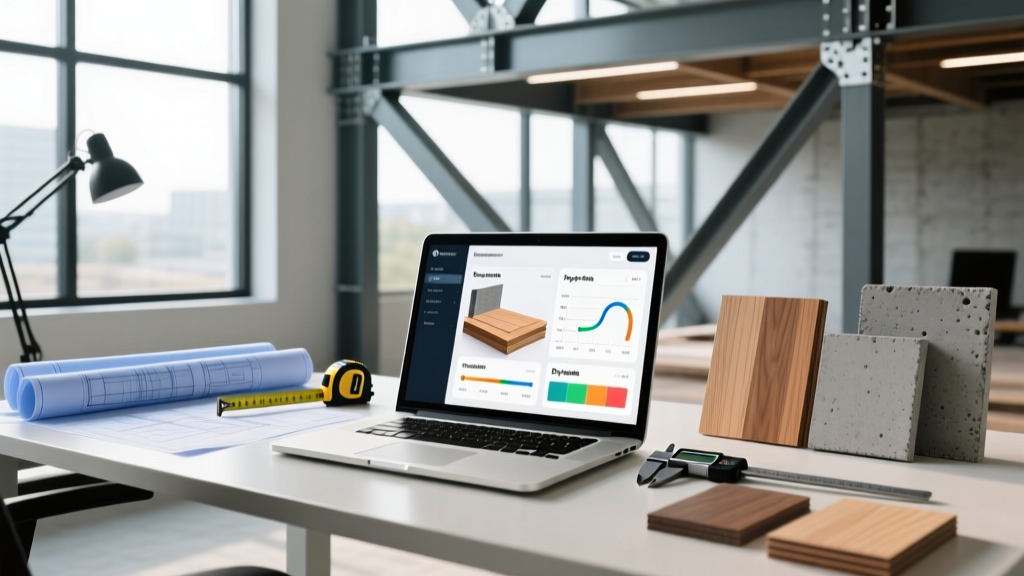
The Hidden Math Behind Material Estimation
Relying on the raw output of a free building material calculator is one of the most common causes of budget overruns in residential and light commercial construction. While digital estimation tools have become highly sophisticated in 2026, integrating real-time lumber pricing and localized concrete delivery costs, they fundamentally operate on theoretical geometry. They calculate the exact volume or area required to fill a space, completely ignoring the physical realities of cutting, breakage, pattern matching, and manufacturing tolerances.
To use these tools effectively, contractors and DIY builders must treat the calculator's output as the absolute minimum baseline—the 'net' requirement—and then apply material-specific 'gross' multipliers based on the complexity of the build. This guide breaks down how to calibrate your digital estimates against real-world job site conditions.
Evaluating Top Free Estimation Tools
Not all calculators are built equally. Some are designed for quick retail purchasing, while others cater to structural engineering requirements. Below is a comparison matrix of the most reliable free platforms available for general material estimation.
| Calculator Platform | Best Application | Default Waste Factor | Limitations |
|---|---|---|---|
| Omni Calculator (Construction Suite) | Complex geometry, roofing, concrete | 0% (User must input) | No real-time regional pricing integration |
| Home Depot / Lowe's Project Calculators | Drywall, flooring, paint, basic lumber | 10% (Hardcoded) | Biased toward retail sheet sizes; ignores custom milling |
| Blocklayer | Masonry, pavers, retaining walls | 5% to 8% (Adjustable) | Assumes standard mortar joint thickness (3/8 inch) |
| RedX App / Builder Calculator | Framing, roof trusses, stair stringers | 12% to 15% | Requires premium subscription for advanced cut lists |
Adjusting Calculator Outputs for Real-World Waste
Once your free building material calculator provides the net theoretical requirement, you must apply the correct waste multiplier. The appropriate multiplier depends heavily on the material type, the skill level of the installation crew, and the architectural complexity of the project.
Lumber and Framing Yield Losses
Digital framing calculators typically ask for linear footage of walls and output the number of 2x4 or 2x6 studs required at 16 inches on center (OC). However, they rarely account for the actual dimensional reality of the lumber. According to technical data from the USDA Forest Products Laboratory, a nominal 2x4 actually measures 1.5 inches by 3.5 inches. More importantly, calculators assume zero defects.
- Standard Rectangular Framing: Add 10% to the calculator's stud count to account for warped boards, end splits, and miscuts.
- Complex Roofs and Valleys: Add 15% to 20%. Hip rafters, jack rafters, and valley intersections require compound angle cuts that frequently result in unusable offcuts.
- Sheathing (OSB/Plywood): Calculators divide total wall/roof area by 32 sq ft (for a 4x8 sheet). Do not subtract the area of standard windows and doors from your input; leave them in the calculation to naturally generate the 8% to 12% waste factor needed for blocking and miscuts.
Concrete Volume and Slab Tolerances
Concrete is sold in cubic yards, and a short load cannot be easily fixed once the truck arrives. The American Concrete Institute (ACI) notes that subgrade variations and formwork deflection routinely alter the final volume required. A standard 4-inch slab calculator assumes a perfectly flat, compacted base and perfectly rigid forms.
- Slabs on Grade: Add 10% to the calculator output to account for minor subgrade over-excavation and spillage during the screeding process.
- Footings and Trenches: Add 15% to 20%. Soil trench walls are rarely perfectly plumb; a trench dug 18 inches wide will often cave in slightly, widening to 20 or 22 inches in sections, drastically increasing the cubic yardage required.
- Stamped or Colored Concrete: Add an absolute minimum of 12%. Stamping tools compress the concrete, effectively reducing the surface area covered per cubic yard compared to a flat trowel finish.
Drywall and Flooring Pattern Matching
Material calculators for finishes are highly sensitive to installation patterns. The Gypsum Association recommends specific hanging patterns to minimize butt joints, which digital calculators often ignore in favor of simple area division.
- Drywall: If using 4x12 sheets (48 sq ft), add 5% for breakage, as longer sheets are significantly more prone to snapping during transport and lifting. If hanging vertically on 9-foot walls, ensure the calculator is set to 54-inch or 108-inch sheets to avoid creating un-tapered horizontal butt joints.
- Hardwood and LVP Flooring: A straight lay installation requires a 5% to 7% waste factor for end cuts. If the calculator does not have a pattern toggle, manually multiply the net square footage by 1.15 (15% waste) for a herringbone pattern, or 1.10 (10% waste) for a diagonal layout, due to the triangular offcuts generated at the room perimeter.
Step-by-Step: Calibrating Your Inputs
To get the most accurate baseline from any free building material calculator, follow this input sequence before hitting 'calculate':
- Define the Gross vs. Net Area: Input the total exterior dimensions of the space. Do not attempt to manually subtract stairwells, chimneys, or standard doorways unless the specific calculator has a dedicated 'deduction' field. Manual subtractions usually lead to under-ordering.
- Specify Nominal vs. Actual Dimensions: If the tool asks for lumber thickness, verify whether it expects nominal (e.g., '2') or actual (e.g., '1.5'). Inputting the wrong value will skew board-foot calculations by 25%.
- Set the On-Center (OC) Spacing: Ensure the framing calculator matches your local building code. While 16-inch OC is standard for exterior walls, interior non-load-bearing walls may allow 24-inch OC, and high-wind zones may require 12-inch OC.
- Apply the Multiplier: Take the final output and multiply it by the appropriate waste factor outlined in the previous section before generating your purchase order.
Advanced Variables Most Calculators Ignore
Even the most advanced free building material calculators struggle to account for site-specific logistical variables. Factor these into your final procurement strategy:
- Moisture Content and Acclimation: Kiln-dried lumber stored in a humid environment will absorb moisture and expand. Calculators assume standard dimensional stability, but installing flooring or trim before it acclimates to the home's HVAC environment can result in gaps or buckling, requiring replacement material.
- Delivery Access Constraints: A calculator might recommend a single 10-yard concrete pour. However, if the site lacks access for a standard 30-foot ready-mix truck, you may need to order two smaller loads or use a concrete pump, which alters the required slump and potentially the volume due to pump hose priming.
- Manufacturing Bundles: Materials are sold in specific bundle sizes. A calculator might output 114 pieces of composite decking. If the manufacturer sells them in bundles of 50, you must round up to 150 pieces (three bundles), not 120.

Frequently Asked Questions
Can I use a free building material calculator for structural engineering approvals?
No. Free calculators provide quantity takeoffs for procurement and budgeting. They do not perform structural load calculations, deflection analysis, or seismic rating verifications required for permitting. Always consult a licensed structural engineer for load-bearing material specifications.
Why does my roofing calculator output differ from my contractor's estimate?
Roofing calculators use the 'footprint' area multiplied by a pitch factor to estimate squares (100 sq ft). Contractors add 10% to 15% for starter strips, ridge caps, hip/ridge shingles, and valley flashing materials, which are often calculated as linear feet rather than square area in professional estimation software.
How do I calculate materials for a curved concrete wall?
Standard calculators cannot process curved geometry. You must calculate the volume using the formula for a cylindrical shell: V = π × h × (R² - r²), where h is height, R is the outer radius, and r is the inner radius. Convert the resulting cubic feet to cubic yards by dividing by 27, then add a 15% waste factor for the complex flexible formwork required.
Written by
Elena RodriguezElena Rodriguez is a civil engineer and technical writer specializing in concrete technology, masonry systems, and ASTM/ACI compliance. She earned her B.S. in Civil Engineering from Texas A&M University and spent a decade at a materials testing laboratory, performing over 2,000 concrete compressive strength tests and masonry prism evaluations. Elena is an ACI-certified Field Testing Technician (Grade I) and a member of ASTM Committee C12 on Natural Building Stone. She currently consults on forensic engineering cases involving concrete failures and moisture intrusion. Based in San Antonio, TX, Elena is a proud member of the Society of Women Engineers (SWE) and coaches her daughter's FIRST Robotics team.
More from Elena Rodriguez
View all
Walls & Panels
Cost Analysis: Light Gauge Steel Framing Advantages and Disadvantages
Evaluate light gauge steel framing advantages and disadvantages through a strict cost analysis lens, comparing material, labor, and lifecycle expenses.
Aug 4, 2026
Walls & Panels
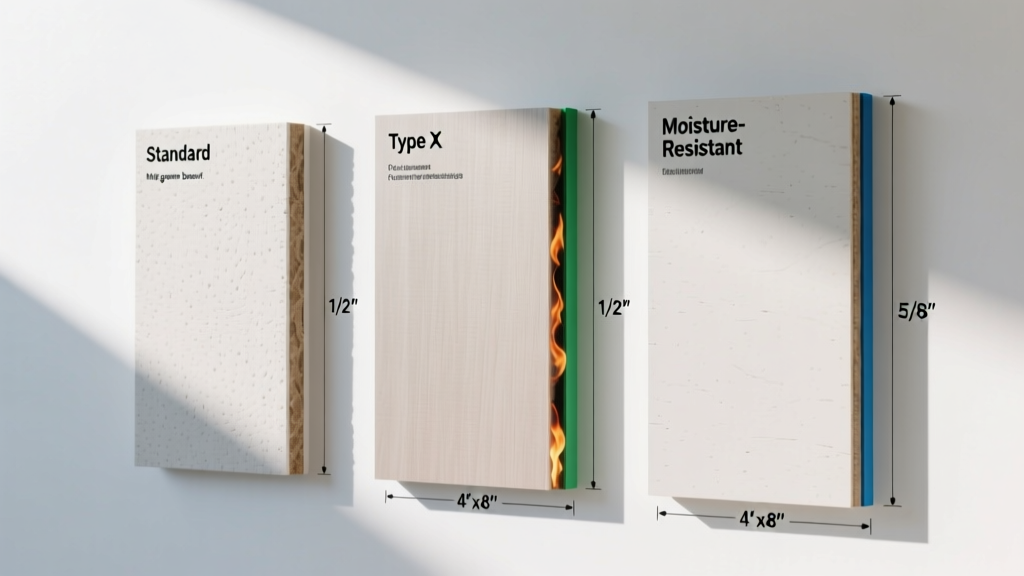
Gypsum Board Types: Exact Specifications, Thickness & Dimensions
Compare standard, Type X, and moisture-resistant gypsum board types. Get exact specifications, thicknesses, dimensions, and ASTM standards for your project.
Aug 4, 2026
Fire Resistance
Best Fire-Resistant Outdoor Decking Materials: 2026 Buyer Guide
Discover the best fire-resistant outdoor decking materials for 2026. Compare Class A PVC, aluminum, and hardwood options for WUI compliance and safety.
Aug 4, 2026