How Much Would It Cost to Build a Website for Contractors?
Discover how much it would cost to build a website for your construction business. Breakdown of design, hosting, and lead-gen features.
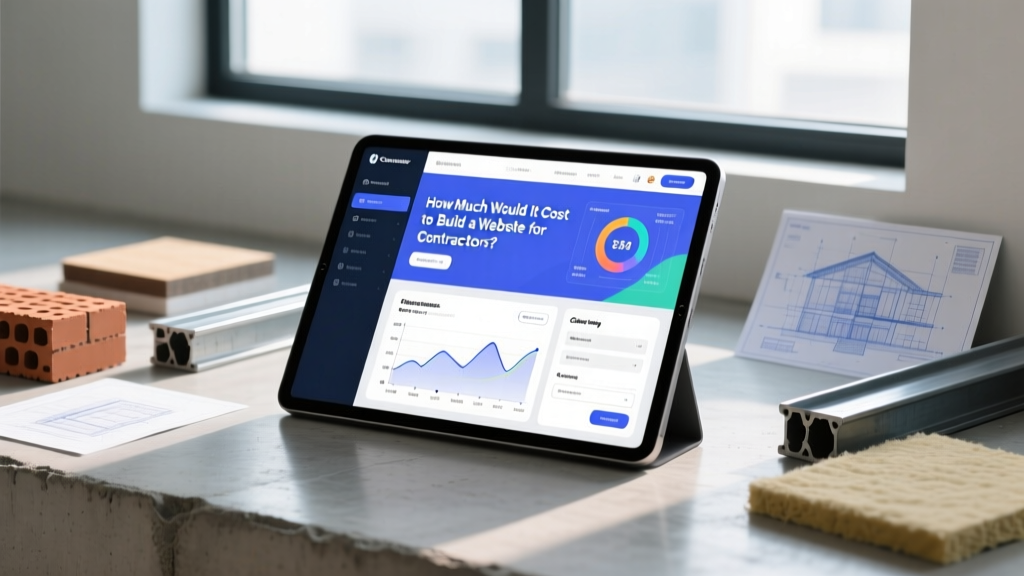
The True Cost of a Construction Business Website
For general contractors, home builders, and specialized trades, a website is no longer just a digital business card; it is a primary lead-generation engine. When homeowners or commercial developers search for local builders, your digital footprint dictates whether they request a bid or move to the next competitor. Understanding exactly how much it would cost to build a website tailored to the construction industry requires looking beyond basic template pricing. You must account for project portfolio hosting, client portal integrations, local SEO architecture, and CRM connectivity.
According to industry data analyzed by Forbes Advisor, professional small business websites typically range from $2,000 to $10,000 for initial development, but construction-specific requirements—such as high-resolution project galleries and estimating tool integrations—can shift these benchmarks. Below is a comprehensive breakdown of what you can expect to invest in 2026 to build a site that actually wins bids.
Quick Cost Matrix: Contractor Website Tiers
| Website Tier | Initial Setup Cost | Monthly Upkeep | Best Suited For | Core Capabilities |
|---|---|---|---|---|
| Tier 1: Digital Business Card | $1,500 - $3,500 | $50 - $120 | Solo trades, handymen, single-truck ops | Service overview, contact form, basic gallery |
| Tier 2: Lead-Generation Engine | $4,000 - $8,500 | $150 - $350 | Residential GCs, remodelers ($1M-$5M revenue) | CRM integration, SEO optimization, lead magnets, video tours |
| Tier 3: Enterprise Builder Portal | $10,000 - $25,000+ | $400 - $800+ | Commercial builders, large custom home firms | Client login portals, Procore/Buildertrend API, career pages, multi-language |
Breakdown of Website Tiers for Builders
Tier 1: The Digital Business Card ($1,500 - $3,500)
This tier is built on platforms like WordPress (using premium themes like Astra or Divi) or Webflow. It serves as a verification tool for contractors who rely primarily on word-of-mouth or HomeAdvisor/Angi leads but need a professional landing pad when prospects look them up. The budget here covers a custom domain, basic branding, a mobile-responsive layout, and a gallery of 10-15 completed projects. Content is usually static, requiring manual updates when new projects are completed.
Tier 2: The Lead-Generation Engine ($4,000 - $8,500)
For growing residential contractors, the website must actively capture and nurture leads. This tier includes custom copywriting focused on local SEO (e.g., targeting 'custom home builder in [City]' or 'ADU construction [County]'). The budget allocates funds for integrating a construction CRM like HubSpot or Buildertrend, allowing form submissions to automatically create new lead profiles and trigger follow-up email sequences. It also includes dedicated landing pages for high-margin services like kitchen remodels or roofing replacements, optimized for Google Local Services Ads (LSAs).
Tier 3: The Enterprise Builder Portal ($10,000 - $25,000+)
Large commercial firms and high-end custom home builders require complex web architectures. This tier involves custom development, often utilizing headless CMS frameworks (like Next.js paired with Sanity or Contentful) for blazing-fast load times despite heavy media loads. Key features include secure client portals where homeowners can view daily job site logs, approve change orders, and track construction schedules via direct API integrations with project management software like Procore or CoConstruct. It also includes robust career pages to recruit specialized subcontractors and project managers.
Never use generic stock photos of hard hats, blueprints, or unrelated construction sites. Invest $800-$1,500 in a local architectural photographer and drone operator to capture your actual completed projects. Authentic, high-resolution imagery of your specific craftsmanship increases lead conversion rates by up to 35% for home builders, as it immediately establishes trust and local authority.
Hidden Costs: Hosting, Maintenance, and Software
When calculating how much it would cost to build a website, many contractors only look at the agency invoice for the initial build. However, a high-performing construction website requires a stack of recurring investments to remain secure, fast, and integrated with your operations.
- Managed WordPress Hosting: Do not use shared hosting (e.g., basic Bluehost plans) for a business site. Use managed hosts like WP Engine or Kinsta ($30-$115/month) to ensure your site doesn't crash when a local news station or popular Houzz profile links to your portfolio.
- CRM & Marketing Automation: Integrating your site with a CRM to track bid requests and client communications typically costs $50-$300/month, depending on user seats and whether you use HubSpot, Salesforce, or a niche tool like Contractor Foreman.
- Local SEO & Reputation Management: Tools like BrightLocal or Whitespark ($39-$139/month) are essential for monitoring your Google Business Profile rankings, managing local citations, and automating review requests from past clients.
- Security & Backups: Enterprise-grade firewalls and daily off-site backups (e.g., Sucuri or Wordfence Premium) cost $10-$25/month but prevent catastrophic data loss and malware injections that could take your bidding portal offline.
Essential Features That Drive Construction Leads
A beautiful website is useless if it doesn't convert traffic into signed contracts. Ensure your development budget includes the following conversion-optimized features:
- Interactive Project Cost Calculators: While you cannot provide exact bids online, a well-designed 'Rough Estimate Calculator' (e.g., calculating baseline costs for a bathroom remodel based on square footage and finish levels) captures high-intent leads who are actively budgeting.
- Schema Markup for Local Business: Your developer must implement LocalBusiness and GeneralContractor JSON-LD schema. This helps Google understand your service areas, licensing numbers, and aggregate rating, directly influencing your visibility in the Local Map Pack.
- Trust Signals & Licensing Badges: Prominently display your state contractor license number, BBB accreditation, and NAHB (National Association of Home Builders) memberships in the global footer.
- Video Walkthroughs: Embedding YouTube or Vimeo videos of project managers explaining the construction process or giving virtual tours of finished builds increases time-on-page and drastically improves SEO rankings.
Buying a $60 ThemeForest template and paying a junior freelancer $500 to set it up often results in a bloated, slow-loading site that scores poorly on Google's Core Web Vitals. In the construction industry, where mobile searches from job sites and hardware stores dominate, a slow site will cost you thousands in lost bids. Prioritize performance and custom architecture over cheap, pre-packaged themes.
DIY vs. Agency: Which Route Makes Sense?
Deciding who builds your site is just as critical as the budget. Here is a comparison to help you allocate your capital effectively.
| Factor | DIY (Wix / Squarespace) | Freelance Developer | Specialized Construction Marketing Agency |
|---|---|---|---|
| Initial Cost | $0 - $500 | $1,500 - $4,000 | $5,000 - $20,000+ |
| Industry Expertise | None (Generic templates) | Varies (Usually general web design) | High (Understands bid cycles, seasonality, and local SEO) |
| CRM Integration | Limited / Zapier reliant | Moderate | Advanced (Native API connections to Buildertrend/Procore) |
| Time Investment | 40-80 hours of your time | 10-20 hours of your time | 2-5 hours of your time |
| Verdict | Only for hobbyists or side-hustles | Best for tight budgets with some technical comfort | Best for established firms treating marketing as an investment |
Frequently Asked Questions
How long does it take to build a contractor website?
A standard Tier 2 lead-generation website typically takes 6 to 10 weeks from kickoff to launch. This timeline includes discovery, wireframing, copywriting, development, and the crucial phase of gathering high-quality photography from your past job sites. Enterprise portals with custom client logins can take 3 to 5 months.
Should I host my portfolio on Houzz or my own website?
You should do both, but your owned website must be the priority. While platforms like Houzz and NerdWallet's small business guides note the value of third-party directories for initial visibility, relying solely on rented platforms means you do not own your audience data. Use Houzz to generate backlinks and brand awareness, but funnel traffic to your own domain where you control the lead capture process and avoid per-lead fees.
Do I need a separate website for my commercial and residential divisions?
Generally, no. Maintaining two separate domains splits your SEO authority and doubles your hosting and maintenance costs. Instead, build a single, robust domain with distinct, siloed navigation paths (e.g., 'Commercial Services' and 'Residential Builds') utilizing clear subfolders. This consolidates your domain authority, making it easier to rank for both highly competitive commercial and residential local keywords.
Written by
Elena RodriguezElena Rodriguez is a civil engineer and technical writer specializing in concrete technology, masonry systems, and ASTM/ACI compliance. She earned her B.S. in Civil Engineering from Texas A&M University and spent a decade at a materials testing laboratory, performing over 2,000 concrete compressive strength tests and masonry prism evaluations. Elena is an ACI-certified Field Testing Technician (Grade I) and a member of ASTM Committee C12 on Natural Building Stone. She currently consults on forensic engineering cases involving concrete failures and moisture intrusion. Based in San Antonio, TX, Elena is a proud member of the Society of Women Engineers (SWE) and coaches her daughter's FIRST Robotics team.
More from Elena Rodriguez
View all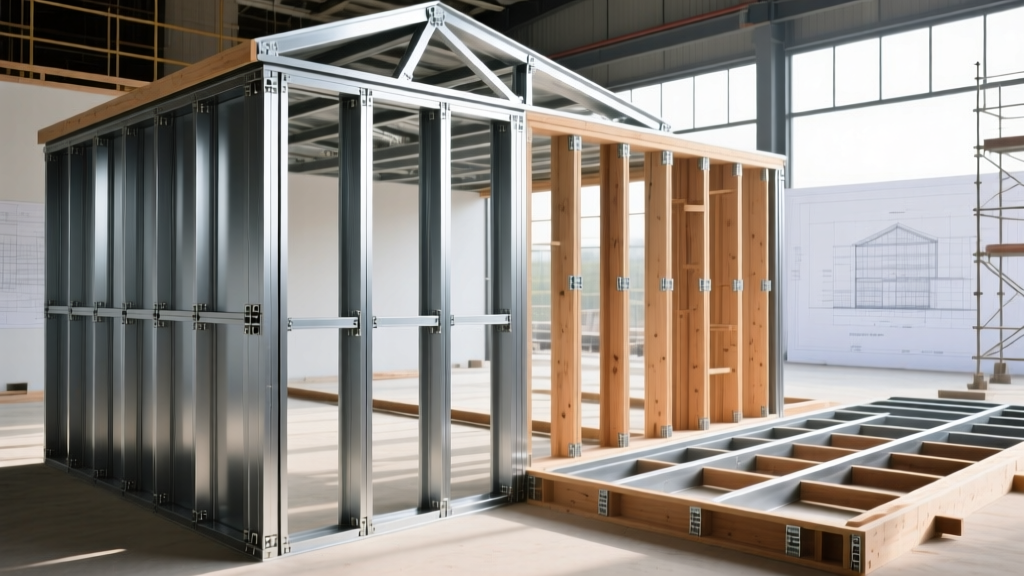
Walls & Panels
Cost Analysis: Light Gauge Steel Framing Advantages and Disadvantages
Evaluate light gauge steel framing advantages and disadvantages through a strict cost analysis lens, comparing material, labor, and lifecycle expenses.
Aug 4, 2026
Walls & Panels
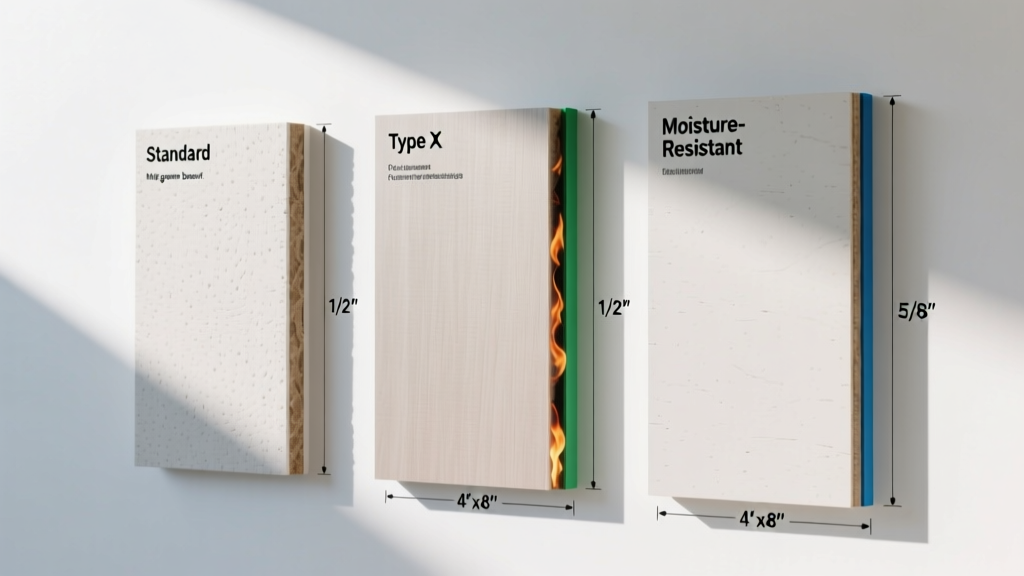
Gypsum Board Types: Exact Specifications, Thickness & Dimensions
Compare standard, Type X, and moisture-resistant gypsum board types. Get exact specifications, thicknesses, dimensions, and ASTM standards for your project.
Aug 4, 2026
Fire Resistance
Best Fire-Resistant Outdoor Decking Materials: 2026 Buyer Guide
Discover the best fire-resistant outdoor decking materials for 2026. Compare Class A PVC, aluminum, and hardwood options for WUI compliance and safety.
Aug 4, 2026